RAG (Retrieval-Augmented Generation) is a way to make a chatbot look up the relevant passages in your company's documents first, and only then write an answer based on them. The chatbot answers from your policies, price lists and guides instead of from whatever the model "remembers" from training. This guide covers how RAG works, when to use it, how to prepare your documents, and how to find the cause when a RAG chatbot gets something wrong.
What is RAG? An everyday example
Picture a new customer support hire. They are articulate, but they haven't learned your return policy yet. When a customer asks, the safe move is to open the internal handbook, find the right section, read it, and reply with "per our return policy, section 3".
A large language model (LLM) is a lot like that new hire. It writes well, but its knowledge stops at its training data, and it has never seen your internal documents. RAG adds the "open the handbook" step before the model answers.
The term comes from a paper by Patrick Lewis and colleagues, posted to arXiv in May 2020. The authors paired a text-generation model with a vector index of Wikipedia, and named two things large models still struggled with: showing where an answer came from, and keeping knowledge up to date. Those happen to be the two things a business needs most before putting a chatbot in front of customers.
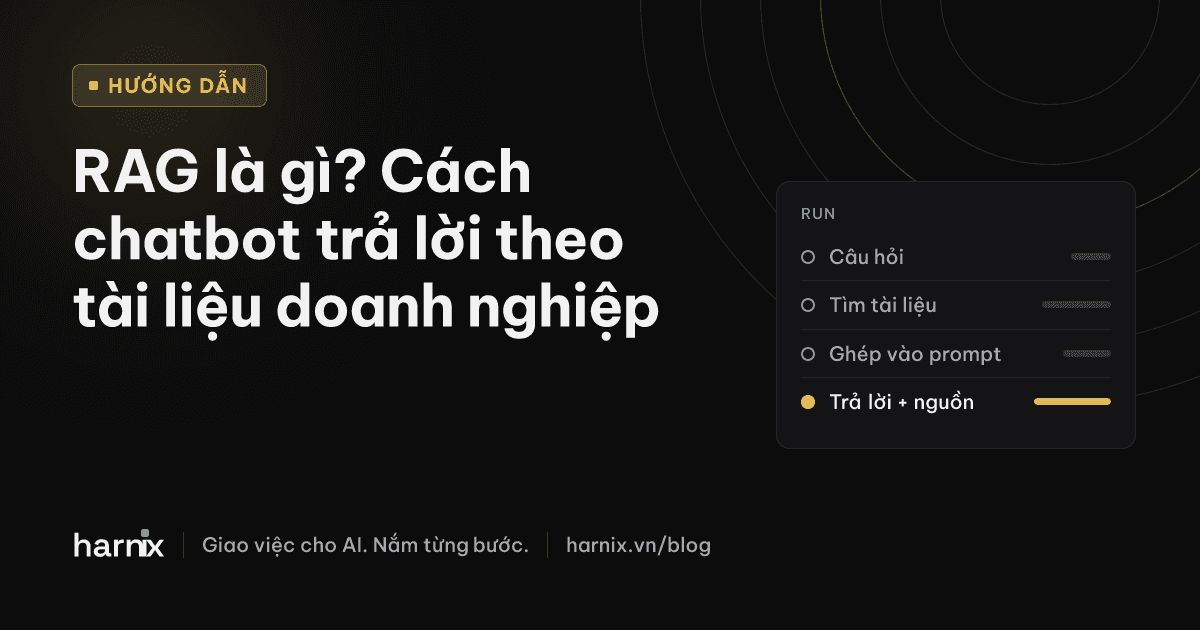
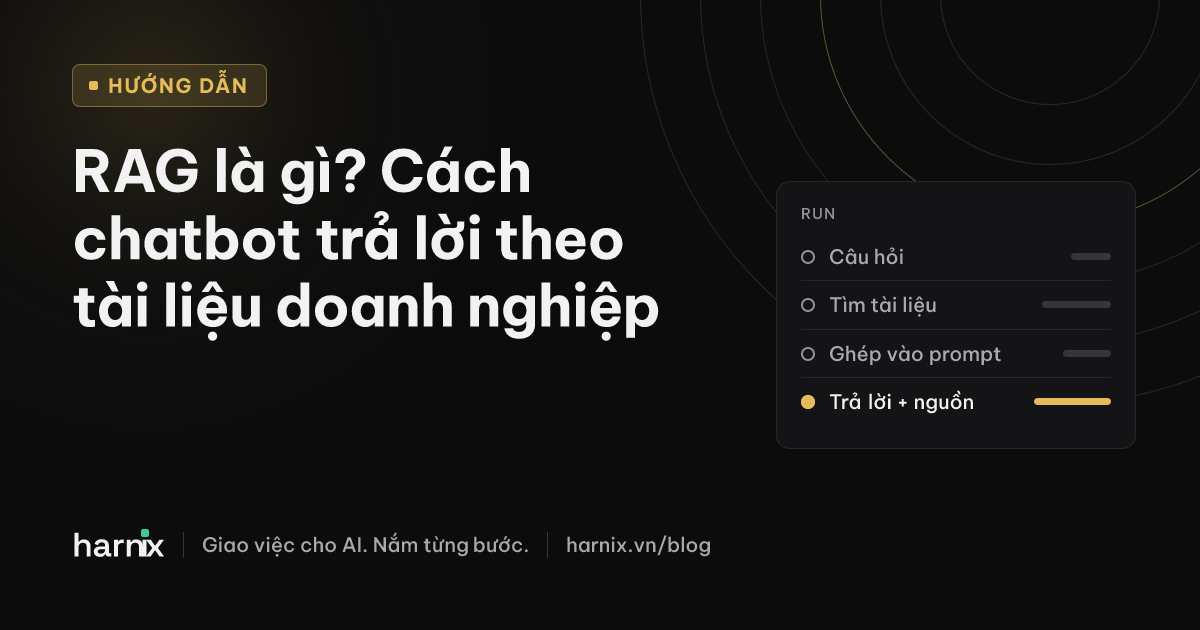
How RAG works, in 4 steps
AWS's introduction to RAG breaks the process into 4 steps. Here they are, applied to a business chatbot:
- Build the knowledge base. Documents (PDFs, Word files, help pages) are split into small chunks. An embedding model turns each chunk into a vector, a list of numbers that represents its meaning, and the vectors are stored in a vector database.
- Retrieve relevant passages. When a customer asks something, the question is turned into a vector too. The system compares vectors and pulls the few chunks closest in meaning. This is semantic search: a customer who types "delivery fee" can still match a passage that says "shipping charges".
- Augment the prompt. The retrieved chunks go into the prompt alongside the question, with an instruction such as "answer only from the documents below".
- Keep the data fresh. When a document changes, its chunks and vectors are reprocessed so the chatbot doesn't quote last quarter's prices.
Step 2 decides most of the quality. No model, however fluent, can rescue an answer built on the wrong passage or a missing one.
Why businesses use RAG for chatbots
AWS lists four main benefits. First, cost: bringing new data in through RAG is more cost-effective than retraining a foundation model. Second, freshness, because you only need to update the documents. Third, answers can include citations so users can open the source and check for themselves. Fourth, your team controls the data sources and can fix things when the chatbot cites the wrong one.
There are three common ways to make a chatbot "know" your business:
| Approach | What it does | Good fit when | Trade-offs |
|---|---|---|---|
| Paste everything into the prompt | Write all your policies into the system instructions | The information is short, a few pages, and rarely changes | With many documents the prompt grows long, costs tokens on every turn and is hard to maintain |
| RAG | Retrieve relevant passages, then answer | You have many documents, they change often, and you need citations | Quality depends on how documents are chunked and how clean they are |
| Fine-tuning | Train the model further on your data | You need a different tone, output format, or a fixed way of doing one task | Preparing training data takes work; changed information means training again |
For most small and mid-sized businesses that want a chatbot to answer from their policies, products and user guides, RAG is the sensible starting point. RAG and fine-tuning can work together, but consider fine-tuning only once RAG is running well.
How to prepare documents for a RAG chatbot
A RAG chatbot is only as good as the documents you give it. Before uploading, go through this checklist:
- One correct version per topic. If the knowledge base holds three price lists from three different dates, the chatbot may pick the old one. Keep the current version and remove the others.
- Put conditions in the same paragraph. "Returns accepted within 7 days" should sit right next to "applies to online orders". Once documents are split into chunks, a condition on another page is easy to lose.
- Use descriptive section headings. "Same-city delivery fees" retrieves far better than "Section 4.2".
- Turn complex tables and scans into text. Many systems read plain text in a PDF more reliably than merged-cell tables or photographed pages.
- Date each document at the top so whoever runs the chatbot knows which version is live.
- Collect roughly 20–30 real customer questions from chat apps, email and your support line, and use them as a test set before going live.
When a RAG chatbot answers wrong: retrieval or generation?
When an answer is wrong, the first thing to find out is which passages the chatbot actually read. From there, it usually falls into one of three cases:
- The right passage wasn't retrieved. The information is in the knowledge base but not among the chunks pulled for this question. Common causes: the customer used different words from the document, a chunk lost its context when split, or the document failed to process. Fix: rewrite headings and passages more clearly, add the terms customers actually use, and reprocess the document.
- The right passage was retrieved, but the answer is wrong. The correct text was in context, yet the model misread it or added something the document doesn't say. Fix: tighten the instructions (for example, "if the documents don't cover it, say you don't have that information and hand over to a human"), or try a different model.
- The documents don't contain the answer. The chatbot shouldn't guess. This is a signal to add content, and a good source of ideas for your FAQ page.
If you can't see what the chatbot read, all three cases look the same: "the bot got it wrong". So when choosing tools, favor ones that let you review each answer along with the sources it cited. We wrote more about treating every answer as a unit of work in Why every agent answer is a Run.
Frequently asked questions
Does RAG stop a chatbot from making things up? It reduces made-up answers because the model has documents to lean on, but it doesn't eliminate them. You still need clear instructions for when the documents don't have the answer, and important answers are worth reviewing.
Does a small business need to run its own vector database? Not necessarily. Many chatbot platforms include a knowledge base with semantic search; your job is to prepare clean documents and check answer quality.
How often should the knowledge base be updated? Whenever a policy, price or process changes. Tie chatbot updates to the same workflow you use to edit internal documents so they don't get forgotten.
Does RAG work with documents in languages other than English? Yes, as long as the embedding model handles that language well. Test with real customer questions, including mixed-language phrasing and typos, because that is how customers actually type.
Where to start
Harnix includes a knowledge base for your agents: upload PDF, DOCX, TXT or Markdown files, the agent searches them semantically and answers with source citations, and you can test with real questions in the Playground before going live. See the Harnix docs for setup, or reach us at harnix.vn.