A proactive AI agent doesn't wait to be asked. It runs in the background, watches for information, starts work on its own based on a goal or a schedule, and reports back when it's done or when it needs a human to approve something. Since late September 2026, several major AI providers have brought this kind of agent to everyday users and small businesses. For businesses, the question is no longer "should we try it?" but "what do we hand over, and how do we stay in control when nobody is watching?"
What is a proactive AI agent?
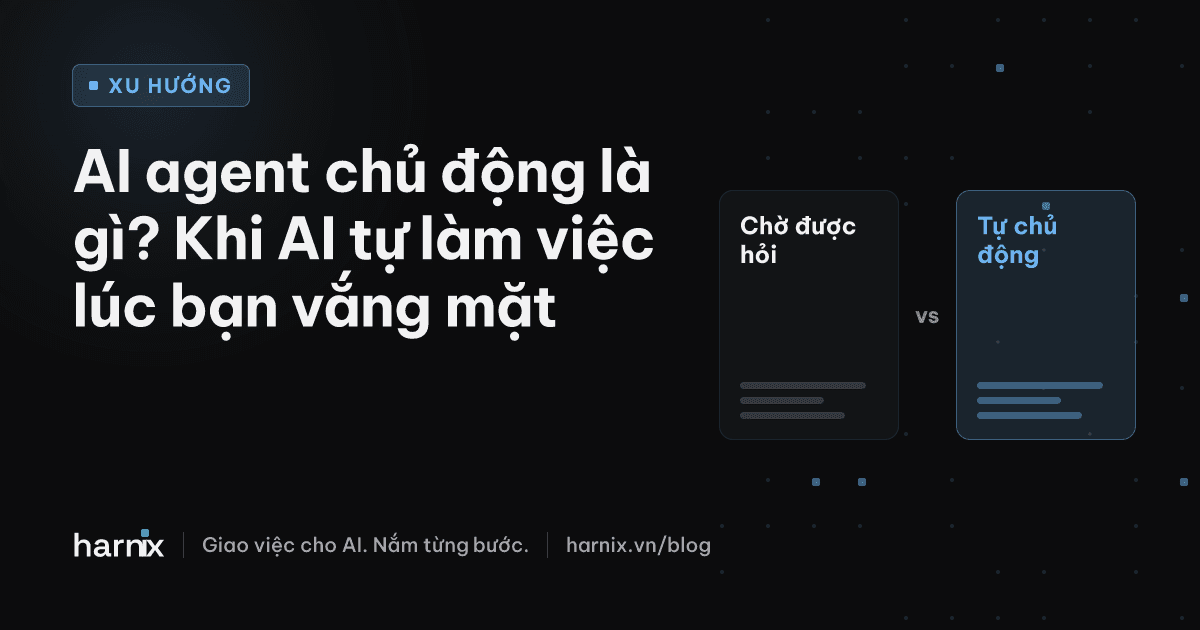
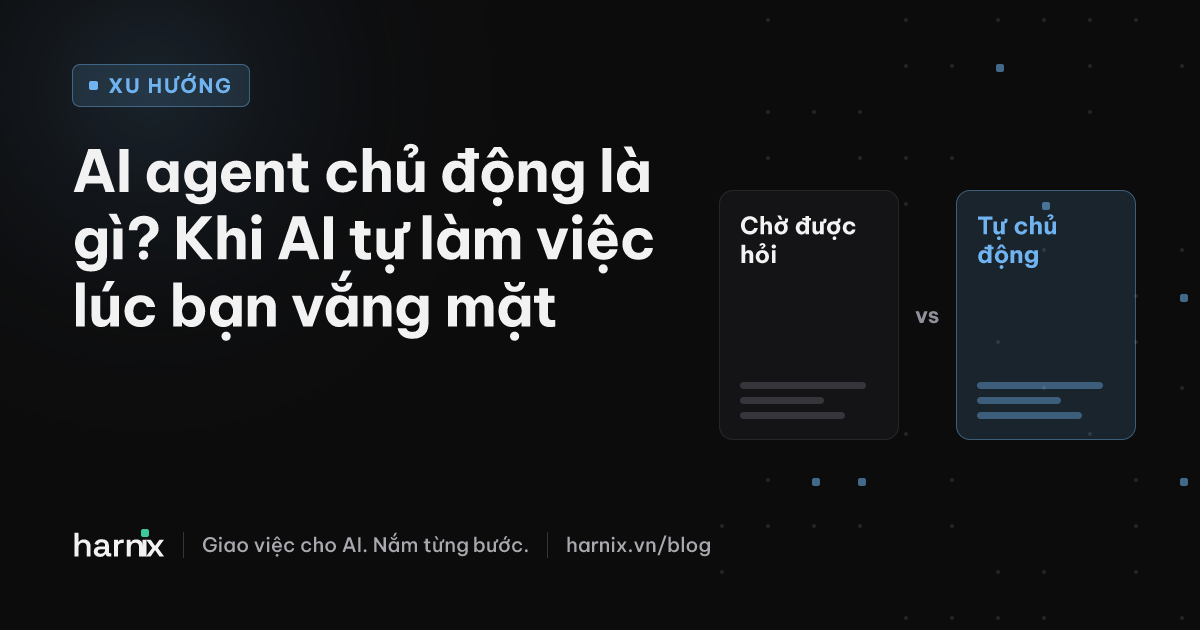
A familiar chatbot only works when someone types a question. An on-demand AI agent goes one step further: it takes a task, calls tools, looks things up, and returns a result. A proactive agent drops the "wait for someone to start" step entirely. It is given a goal in advance and decides for itself when to act.
| Chatbot | On-demand AI agent | Proactive AI agent | |
|---|---|---|---|
| Who starts it? | The user asks | The user assigns a task | The agent starts itself, from a goal, schedule or event |
| When does it run? | During the chat | While the user waits | Even after the user closes the app |
| Is someone watching? | Always | Usually | Usually not |
| Main risk | A wrong answer | One task done wrong | Repeated mistakes nobody sees, background costs that creep up |
The third row is the one that matters most: when no one is watching, every limit has to be set in advance.
Why proactive AI agents are taking off in late 2026
In about two months, this kind of agent moved from concept to something you can sign up for:
- OpenAI introduced dots on September 29, 2026, describing them as "always-on" agents with their own cloud computer and browser that connect to more than 4,000 apps. On November 20, Engadget reported that dots were opening to all ChatGPT Business Standard users and being tested with some Plus users.
- Anthropic launched Claude Duet as a research preview on October 21, 2026: an always-on agent that keeps working after the user closes the app, aimed at professionals, entrepreneurs and small businesses. The first release is for Pro and Max subscribers in the US via a waitlist, and is not yet available on Team or Enterprise plans.
- Infrastructure is getting ready for long-running agents too. On November 12, AWS announced a new generation of AgentCore Runtime with baseline pricing for always-on agents, and said multi-turn agents use up to 68% less memory per session because idle sessions scale to zero. Google introduced Agent Compute Engine for running agents in isolated VMs that can resume from checkpoints; according to InfoQ on November 22, it is not yet available and pricing has not been announced.
When apps and infrastructure move in the same direction, product teams and business owners are likely to hear the question soon: "Should our app have an agent that works on its own like this?"
What limits do providers set before letting agents run on their own?
Read the launch material closely and a pattern stands out: none of these providers give a proactive agent free rein. They draw the boundaries first:
- Background work is read-only. OpenAI says dots' background research uses read-only tools that can't send messages or change app content.
- Ask before anything irreversible. Claude Duet is designed to ask before it sends a message, makes a payment, signs a document, or deletes anything. Some actions, such as trading securities or moving money between accounts, stay prohibited even with user approval.
- Rules set by the user. dots offer Custom Rules to allow, require approval for, or block specific actions, plus an Activity View to follow and redirect background work.
- Each session has its own identity and log. At the infrastructure level, AWS runs every agent session in its own isolated VM with its own identity, policy and audit trail. Google's design keeps API keys and login tokens outside the space where the agent runs.
- Background work still uses your allowance. Anthropic states that Claude Duet's background work counts toward plan usage limits, so you may hit them sooner than with chat alone.
These five points also make a good checklist for any business building or buying a proactive agent.
What should a business hand to a proactive AI agent?
The safe approach is to start with read-only work and widen permissions step by step, based on risk:
| Type of work | Example | Risk level | How to assign it |
|---|---|---|---|
| Monitor and summarize | Summarize customer feedback every morning, scan new documents | Low | Let it run automatically, read the report |
| Draft | Draft email replies, draft the weekly report | Medium | The agent drafts, a person sends |
| Update internal data | Update ticket status, add CRM notes | Medium to high | Require human approval for every action |
| Money, deletion, promises to customers | Refunds, deleting records, committing to delivery dates | High | Don't hand it to a background agent |
If you're thinking about running an agent on a fixed schedule, our post on scheduled AI agents has a more detailed table for choosing tasks.
5 questions to ask before turning on a proactive AI agent
- What triggers the agent? A fixed schedule, an event (a new email, a new ticket), or the agent's own judgment? The more open the trigger, the tighter the limits need to be.
- What happens to write actions when nobody is around? Are they refused, held for approval, or executed? For anything hard to undo, the answer should be "refused or held for approval." See also AI agent permissions.
- Is there a ceiling on background costs? An agent that runs continuously can spend tokens even when nobody uses it. Set a daily or per-agent budget, as we covered in AI token costs.
- Does every run leave a trail? The next morning, you should be able to answer: what did the agent read, which tools did it call, what did it cost, and why did it reach that conclusion? That's why AI agent observability matters even more when an agent works alone.
- How do you stop it, and who gets the error reports? You need a clear stop button, one accountable owner, and an agent that pauses itself when errors repeat.
Frequently asked questions
How is a proactive AI agent different from a chatbot? A chatbot only answers when asked. A proactive AI agent is given a goal in advance, runs in the background and starts work on its own, even when the user doesn't open the app.
Should a small business use proactive AI agents right away? It's worth trying them on read-only work such as summarizing, monitoring and drafting. Keep a human approval step for anything that writes data, messages customers or involves money.
Do proactive AI agents cost money when nobody is using them? They can. Background work still uses models and infrastructure, and some providers count it toward plan limits. Set a cost ceiling before you turn one on.
Is a scheduled AI agent a proactive agent? It's the simplest and easiest-to-control form: the agent runs at a fixed time with a fixed request. A fully proactive agent also decides for itself when to act.
How we see this trend at Harnix
We believe an agent that works on its own is only trustworthy if every run can be reviewed. In Harnix, an assistant can run on a schedule; each run is a Run with a full trace (documents read, tools called, tokens used), it counts toward the token budget, and actions that need confirmation are refused when no one is present. You'll find the details in the Harnix docs; if you'd like to talk about applying this to your app, reach us at harnix.vn.