Controlling AI agent permissions means deciding which tools and data an agent can use, which actions need a human to approve them, and who can stop the agent when it goes wrong. In the first week of November 2026 alone, CrowdStrike and Microsoft each announced new features for exactly these jobs. This post sums up the week's news, what the data says about agents exceeding their permissions, and how a small or mid-sized business can apply three basic layers of control.
This week: major vendors add "brakes" for AI agents
On November 3, CrowdStrike introduced an AI Kill Switch in Falcon Guardian. According to the release, if an agent breaks out of its intended behavior, a defender can terminate it where it runs, block it from launching again, and cut off its enterprise network access. An authorized administrator triggers the action, and every action is recorded in the audit trail.
Two days later, Microsoft announced Dynamic Permissions: each agent gets its own permissions, scoped to its current task and lasting only as long as the task needs. Risk is reassessed while the agent runs, and permissions can be narrowed or human approval required for higher-impact actions. In the same post, Microsoft said Defender can now discover more than 50 supported local agents on Windows and macOS, linking each one to its device, account and configured MCP servers.
Both announcements share one idea: an agent is treated like a user with its own permissions. It needs limits, a human sign-off at the points that matter, and a way to be stopped.
Why AI agent permissions became a hot topic
A survey run by the Cloud Security Alliance (CSA) and commissioned by Zenity, covering 445 IT and security professionals and published in April 2026, found that:
- 53% of organizations have had AI agents exceed their intended permissions. Only 8% said their agents never do.
- 47% reported a security incident involving an AI agent in the past year.
- Only 16% had high confidence in detecting agent-specific threats, while 44% had low or no confidence.
These respondents skew toward larger organizations, not small businesses. The underlying problem is the same at any size, though: an agent differs from a Q&A chatbot because it can call tools, reading and writing to real systems such as orders, bookings and your CRM. The broader its permissions, the easier it is for a wrong answer to become a wrong action.
Three layers of AI agent permission control
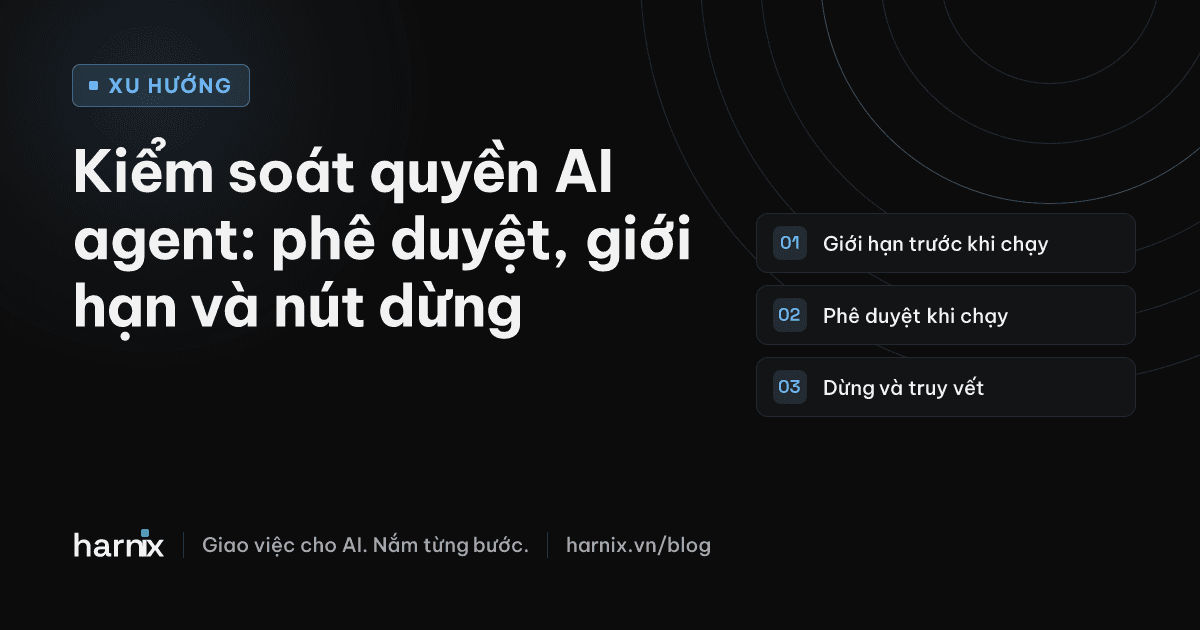
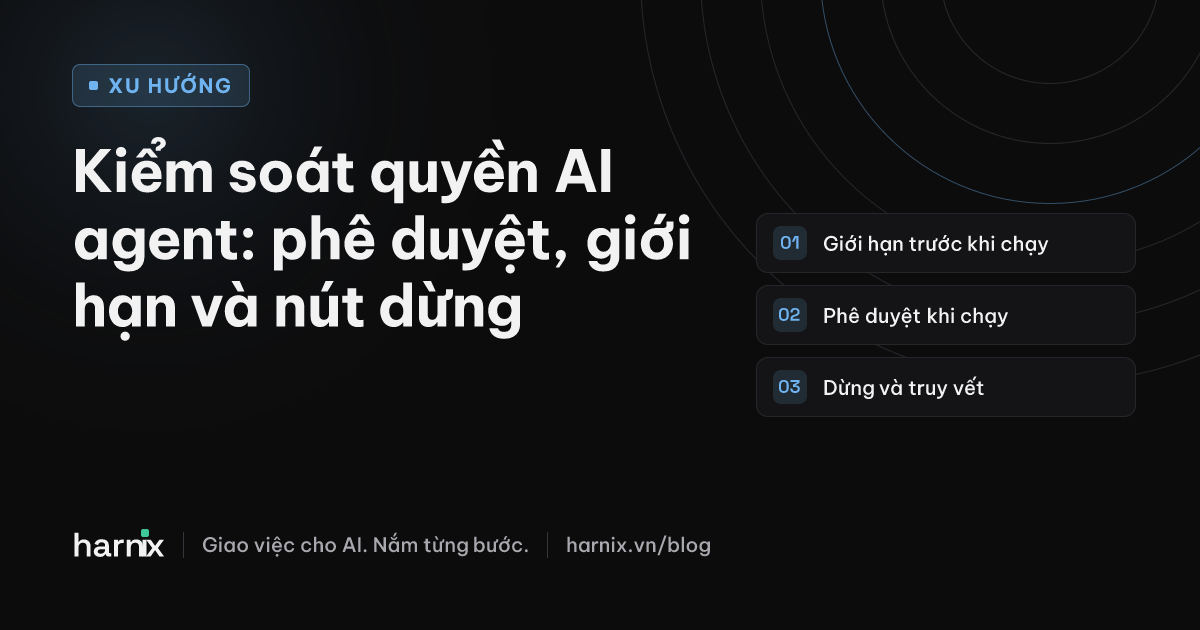
Pulling these announcements together, controlling an agent's permissions comes down to three layers:
| Layer | Question to answer | Example |
|---|---|---|
| Limits before it runs | Which tools and data can the agent use? | Enable only the tools the agent's job needs; separate read-only tools from tools that write |
| Approval while it runs | Which actions need a human to agree? | Refunds, order cancellations and customer emails need someone to confirm before they happen |
| Stop and trace | When the agent goes wrong, who can stop it, and where do you review what happened? | A stop button, plus a record of the tools called and their results for every run |
The layers support each other. Limits shrink what can go wrong. Approvals block actions that are hard to undo. Tracing lets you fix the cause instead of only cleaning up the result.
Where a small business should start
You don't need an enterprise security stack to begin. These five steps work as soon as you add an agent to your app:
- List every tool the agent can call, and mark which ones only read and which ones change data.
- One agent, one job. A product-advice agent doesn't need permission to cancel orders. Agents split by job are easier to limit than one agent that does everything.
- Require confirmation for write actions, especially anything involving money or customer data.
- Set usage limits, such as a daily token budget, so a faulty loop can't run forever.
- Name an owner for each agent who reviews problem runs every week.
If you're moving agents from pilot to production, AI agent deployment in 2026: from pilot to real operations covers the gap between those two stages.
Frequently asked questions
Does a chatbot that only answers questions need permission controls? Yes, but lighter ones: the main control is which data it can read. Once a chatbot starts calling tools to act for users, it becomes an agent and needs all three layers.
Won't approving every action make the agent slow and annoying? Apply approvals selectively: read-only actions run automatically, and only actions that write or are hard to reverse need confirmation. That keeps most runs fast.
How is a "stop button" different from switching the agent off? A stop button halts one run, or one misbehaving agent, without affecting anything else, and leaves a trail to investigate. Switching the agent off entirely is the last resort when you haven't found the cause yet.
How Harnix handles this
In Harnix, you choose which tools are enabled for each agent, and tools not marked read-only ask the end user to confirm in the chat before they run. See how to set this up in the Harnix docs, or reach us at harnix.vn.