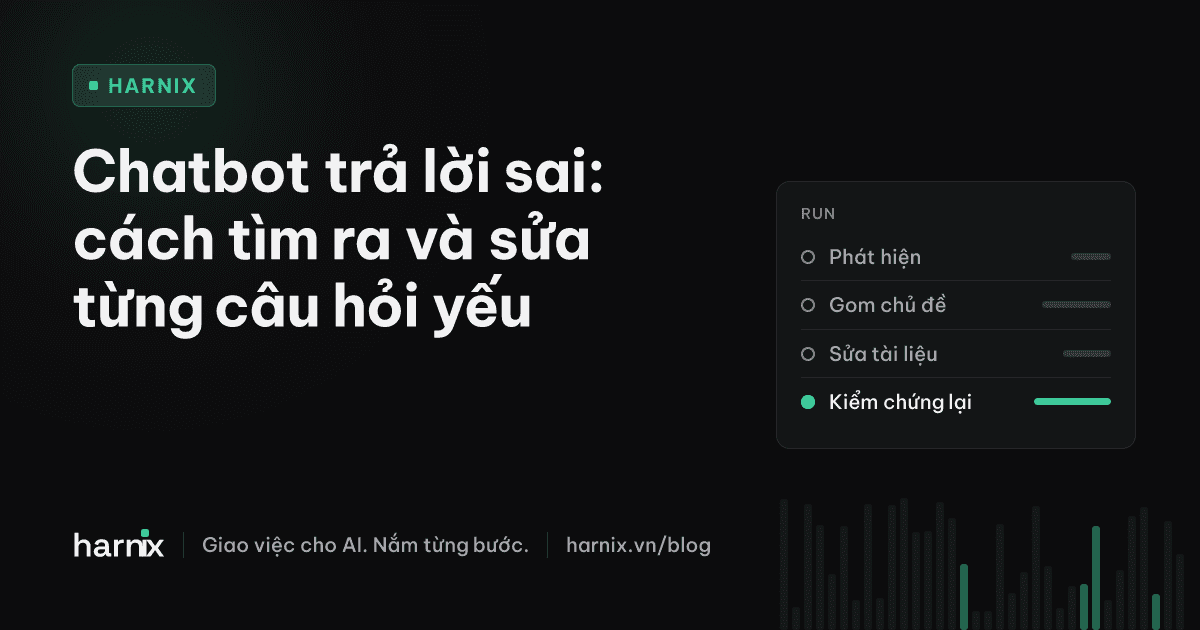
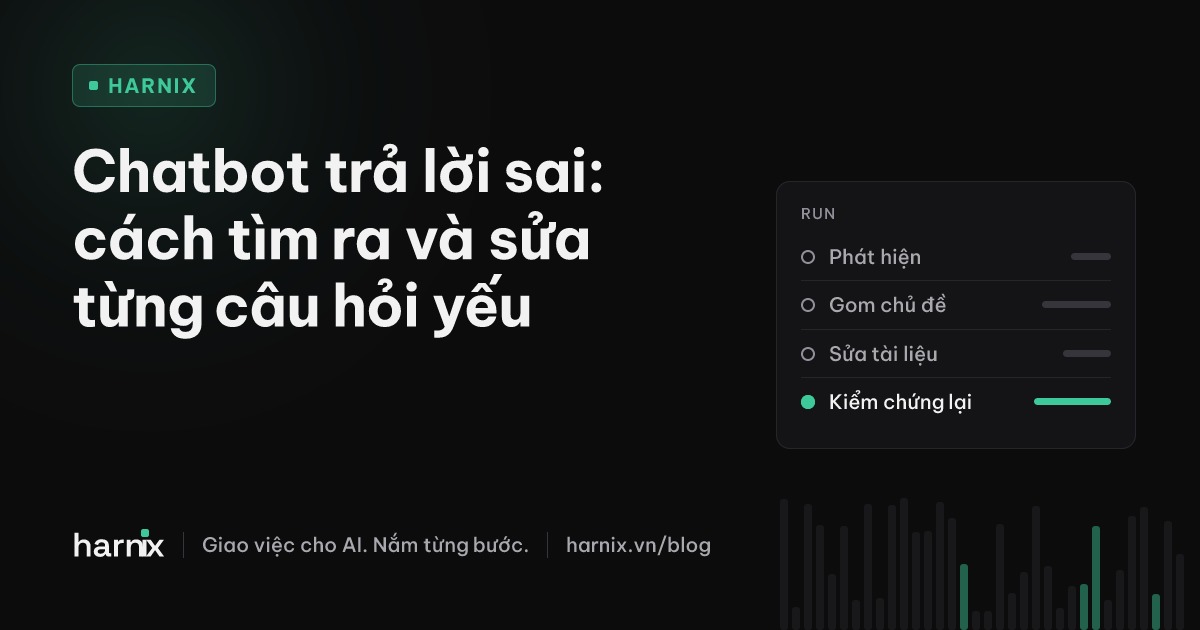
When a chatbot gives wrong answers, the model is rarely the main problem. More often a document is missing, the wrong passage gets retrieved, a policy page is out of date, or the instructions are unclear. Fixing it works best in a fixed order: find the questions the bot handles poorly, group them by topic, fix the actual cause, then confirm the fix in later conversations. This post walks through each step and shows how we handle it in Harnix.
Why your chatbot can be wrong without you knowing
When a support agent gives a customer the wrong answer, someone usually notices. The customer complains, a colleague overhears, a manager reviews the call. Chatbots are different. Most customers who get an unhelpful answer never report it. They close the chat window, call your hotline, or leave.
The numbers most teams watch, such as conversations, messages and token spend, tell you how much the chatbot is used. They don't tell you whether its answers are right. A chatbot can reply steadily every day while one important group of questions, say about your return policy, has been answered wrongly since last week.
Reading every conversation stops being realistic once volume grows. So the first job isn't fixing. It's having a way to find what needs fixing.
Common reasons a chatbot gives wrong answers
The same wrong answer can have very different causes, and each cause needs a different fix. Use this table to diagnose before you change anything:
| Cause | What you see when you replay the answer | How to fix it |
|---|---|---|
| Missing document | No relevant document was found; the bot answers vaguely or guesses | Add a document covering that topic |
| Document exists but isn't found | The right document is in the knowledge base, but the bot retrieved a different passage | Rewrite it more clearly, split it by question, use the words customers actually use |
| Outdated or conflicting documents | The bot quotes an expired document, or two documents say different things | Remove or update the old version so there is one correct source |
| Bot skips the knowledge base | The bot answers from general knowledge with no retrieval step | State clearly in the system prompt that the bot must search the documents before answering |
| Out-of-scope question | The customer asks for something the bot isn't meant to handle | Teach the bot to state its limits and point to the right channel |
This only works if you can see what the bot did on each turn: which documents it searched, which passage it quoted, which tools it called. If all you have is the question and the answer, you're left guessing at the cause. We wrote about recording every step in Why every agent answer is a Run.
How to find the questions your chatbot answers poorly
There are three sources of signal, and they work best together.
1. Signals inside the conversation. Customers leave traces when an answer doesn't help them:
- They rephrase the same question right after the answer.
- They say "that's not right", "that's not what I asked".
- They ask for a human straight after an answer.
- The bot says it has no information, or answers in circles.
2. Deliberate sampling. Each week, read a small set of conversations. Prioritize high-stakes topics (pricing, policies, warranty) and conversations that show the signals above. Reading a little every week beats reading a lot once and then stopping.
3. Let an AI grade the answers. This approach is called "LLM-as-a-judge": a model reads the question, the answer and the relevant documents, then judges whether the answer is acceptable. Research by Zheng et al. (2023) found that strong models used as judges agree with human preferences over 80% of the time, about the same rate at which humans agree with each other. The same study also documents biases: a judge model can be swayed by the order of answers, favor longer answers, or favor answers it wrote itself. Treat AI scores as a filter for what to read first, not as the final verdict.
Group by topic before you fix
Ten weak answers can share one cause: a single outdated policy page. Fix them one by one and you end up with ten patches in your system instructions, which keep getting longer and harder to follow.
Group the weak questions by topic first (returns, shipping fees, login help...), then fix by group:
- Prioritize by impact. Groups with the most questions, or anything involving money and commitments to customers, come first.
- Fix at the source. Document problems get fixed in the document. Instruction problems get fixed in the instructions. Avoid using system instructions to patch bad documents.
- Log what you changed. One line per group: cause, fix, date. Next time the problem shows up, you'll know what was already tried.
Confirm the fix afterwards
A fix is done only when the bot answers correctly in real conversations afterwards. There are two steps:
- Test before you switch it on. Re-run a few typical questions from that group in a test environment and check that the bot now retrieves the updated document.
- Watch after you switch it on. Over the next few days, check whether questions on the same topic are still flagged as weak. If they are, the cause may be elsewhere. For example, you updated the document but the bot still isn't looking it up.
The second step is the one most often skipped, because people move on once the change is made. That's how a "fixed" problem quietly comes back.
How Harnix helps you find and fix weak answers
Harnix records every step of each answer (a Run): documents searched, passages quoted, tools called, token cost. On top of that, these features are live and listed in our changelog:
- Issues, launched October 31, 2026: AI detects questions the agent answered poorly, groups them by topic, tracks how they're handled, and verifies the fix against later conversations. It's the find, group, fix, confirm loop above, running continuously instead of as a weekly manual chore.
- Open the conversation from an Issue (November 2, 2026): jumps to the exact conversation and highlights the turn in question, so you can see which documents the bot retrieved before deciding where to fix.
- Answer ratings from customers (November 10, 2026): customers mark an answer helpful or not helpful, with an optional short comment, and a dedicated page in the console collects the ratings. It adds one more signal alongside conversation signals and AI grading.
- The agent's system prompt: when the cause is "the bot skips the knowledge base", state in the system prompt that the bot must search the documents before answering, then check the trace to confirm the retrieval step appears.
- Knowledge base with source citations, a re-process button and original-file download: after fixing a document you can re-ingest it without starting over.
- Playground (October 19, 2026): test your saved configuration with typical questions before customers see it.
If you're just starting to connect business documents to a chatbot, What is RAG? How chatbots answer from your business documents explains why "retrieved the wrong document" and "wrote the wrong answer" need to be diagnosed separately.
Frequently asked questions
How do I know my chatbot is giving wrong answers if customers don't complain? Look for signals in the conversation (rephrased questions, "that's not right", requests for a human), sample conversations regularly, and use an AI grader to decide which conversations to read first.
Should I let AI grade my chatbot's answers? Yes, as a filter. Research shows strong models agree with humans at a high rate, but they still have biases. A person should review before you change documents or instructions.
Should I fix the system instructions or the documents? It depends on the cause. Wrong or missing information means fixing the documents. If the bot misunderstands its role, skips the knowledge base or answers out of scope, fix the instructions.
How often should I review answer quality? Weekly during the first month. Once the number of weak answers drops and stays stable, you can review less often, but always check right after changing documents or switching models.
You can read how to set up agents and knowledge bases in the Harnix docs, or talk to us at harnix.vn about tracking answer quality for the chatbot in your app.
Updated November 11, 2026: the "search knowledge base first" setting was removed in the November 10, 2026 release, and that guidance now goes in the agent's system prompt. We updated the matching section and added customer answer ratings.