AI chatbot usage limits are caps on how many messages, how long each message can be, and how many tokens each user, each chatbot and the whole business can use over a period of time. Set well, they stop spammers and scripts from burning your budget while real customers keep chatting. Set badly, real customers are the first ones to get blocked.
Why an AI chatbot needs usage limits
Every chatbot answer costs money, because models charge for input and output tokens. When a normal web page gets flooded with traffic, it slows down. When a chatbot gets flooded with messages, the bill goes up.
OWASP, the nonprofit software security foundation, lists this risk in its top 10 for large language model applications as LLM10:2025 Unbounded Consumption. According to OWASP, attackers can send a high volume of requests to exploit the pay-per-use pricing of AI services, leaving the operator with unsustainable costs. This is often called "denial of wallet": nothing crashes, the money just drains away.
You don't need an attacker for this to happen. A March 2026 post on the thoughtbot blog points out that model provider limits usually apply to the whole organization. One heavy user, even a legitimate one, can make every other AI feature in your product start failing. Tracking total tokens is not enough; you need limits per user.
Three situations we see once a chatbot is live inside an app:
- An anonymous visitor pastes a very long block of text and sends it again and again.
- A script hits the chat window over and over from the same place.
- One enthusiastic real customer chats all day and uses most of the shared budget.
None of these needs the bot to give a single wrong answer to cause damage.
The layers of AI chatbot usage limits worth having
A single cap for the whole business is the easiest to build and the easiest to get wrong. When it's hit, every customer is blocked, including someone asking their very first question. We split limits into layers, each one aimed at a different risk:
| Limit layer | What it prevents | Who is affected when it's hit |
|---|---|---|
| Business-wide budget | Total AI spend going over plan | Every customer of the business |
| Per-chatbot budget | One chatbot (say, a test bot) eating into the main bot's share | Customers using that bot |
| Per signed-in user budget | One account using far too much | Only that user |
| Message rate for anonymous visitors | Spam or scripts from one source | Only the source sending too fast |
| Maximum message length | Huge pasted text that burns tokens | Only the oversized message |
The first two layers protect your budget. The last three protect real customers from heavy users: whoever hits the cap is the only one who stops, and everyone else keeps chatting. This split lines up with the mitigations OWASP suggests for LLM10: validate input size, rate-limit requests from a single source, manage resource allocation so no one hogs capacity, and monitor for unusual consumption.
Anonymous visitors are hard to limit by account because they don't have one. The usual approach is to limit by connection source (IP address). It has a weakness: many people in one office can share a single address. If your app has sign-in, pass the user's identity to the chatbot so limits apply per person instead of per network address.
When a real customer hits a limit: what they should see
Good limits are rarely hit. But at some point a real customer will hit one, and what happens next decides whether they come back. Four things to check:
- Say which limit was reached. "Something went wrong" makes people hit send again and again. "You've used today's messages" tells them to come back tomorrow; "the assistant is busy" tells them to try again in a few minutes. Your support team also needs to know which cap was hit: the business's, the chatbot's or the customer's own.
- Keep the partial answer. If a limit is reached mid-answer, don't throw away what was already written. The customer can still read it.
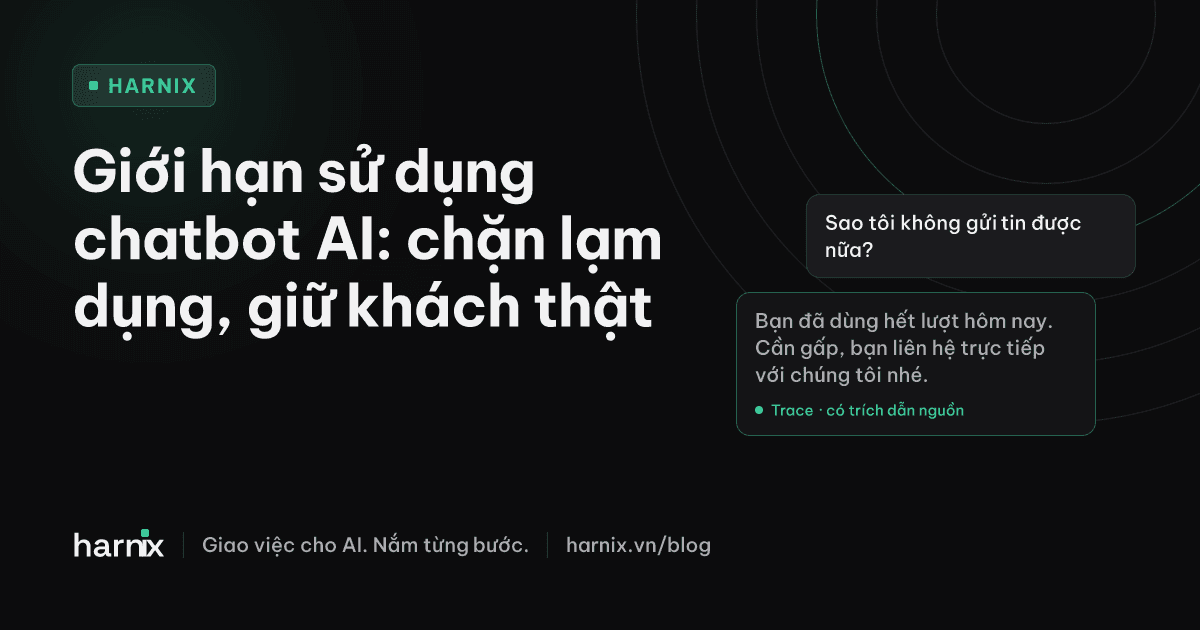
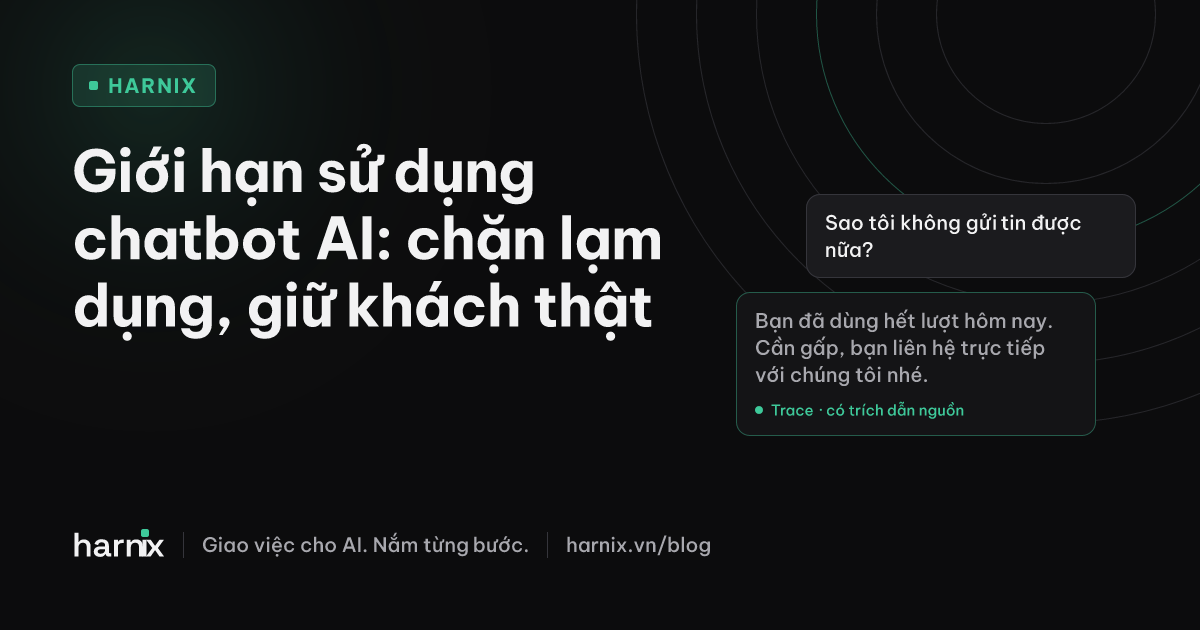
- Give them another way through. A contact link (email, phone, support page) right inside the chat window turns a dead end into a channel switch. For someone trying to buy or needing urgent help, this matters most.
- Block early instead of failing late. If a message is too long, say so while the customer is typing, not after they hit send.
How to choose your starting limits
There is no number that fits every business. The right level depends on your model, how long your answers are and how customers use the chatbot. A simple process:
- Start from real data. Run the chatbot for a while with only a total budget, then look at how many tokens each customer uses per day. Look at the spread per user, not just the average, because a few heavy users can drag the average up.
- Start loose, tighten later. Per-user limits should sit well above what a normal customer uses, so only unusual cases get stopped.
- Split the shared budget and leave headroom. thoughtbot suggests a starting formula: per-user limit = organization limit × a buffer (for example 0.8) ÷ expected concurrent users. It's rough, but it gives you a starting point instead of a guess.
- Treat it as a product decision. When a customer hits the cap, do you block them, offer an upgrade or fall back to a cheaper model? The thoughtbot post also stresses that product teams should be part of this call, not just engineering.
- Review weekly in the first month. Who hit a limit, when, and were they real customers? If real customers hit it often, the limit is too tight.
Seeing who used what is much easier when every answer is recorded with its token count, as we wrote in Managing an agent like an employee.
Usage limits in Harnix
Harnix already has daily token budgets for the whole organization and for each agent. The November 6, 2026 release (changelog) adds layers that protect real customers:
- A daily token budget per end user, so one heavy user can't use up everyone else's share. Businesses turn it on when they need it.
- A message rate limit for anonymous visitors in the widget, based on IP address. Identified users are not counted by IP.
- A maximum message length per organization; the widget stops input as soon as the customer types past it.
- Messages that name the budget that ran out: the organization's, the AI assistant's or the customer's own.
- A fallback contact link in the widget: when a customer sends too fast, the assistant is busy or the daily limit is reached, the widget shows a direct contact link (website, email or phone) so the customer isn't left stranded.
These limits sit alongside other controls, such as asking for confirmation before an agent takes an action that changes data, which we covered in AI agent permissions.
Frequently asked questions
Do usage limits make a chatbot less friendly? Not if real customers rarely hit them, and when they do, they get a clear message and another way to reach you. Without limits, one heavy user can stop the chatbot from answering anyone.
Should I limit by number of messages or by tokens? Both. Message counts stop flooding. Tokens reflect the real cost, because one very long message can cost more than many short ones combined.
Should anonymous and signed-in users get the same limits? Usually not. Anonymous visitors are harder to tell apart from scripts, so they need a tighter message rate. Signed-in users can be limited per account, which is fairer.
You can read how to set budgets and limits in the Harnix documentation, or talk to us at harnix.vn about setting limits for the chatbot in your app.