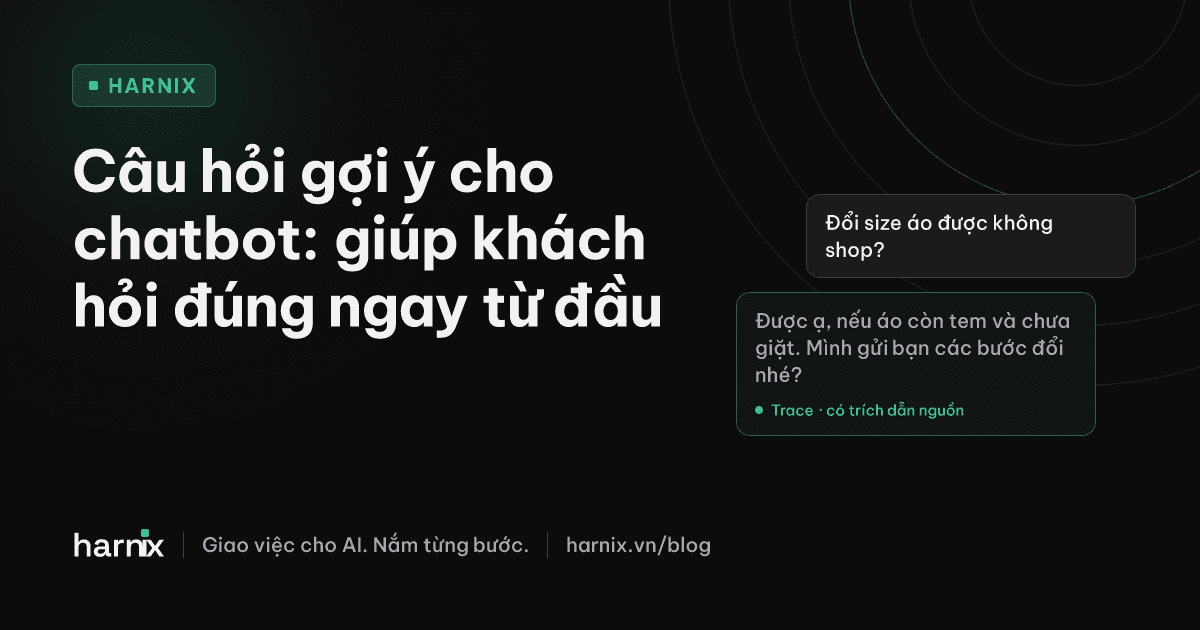
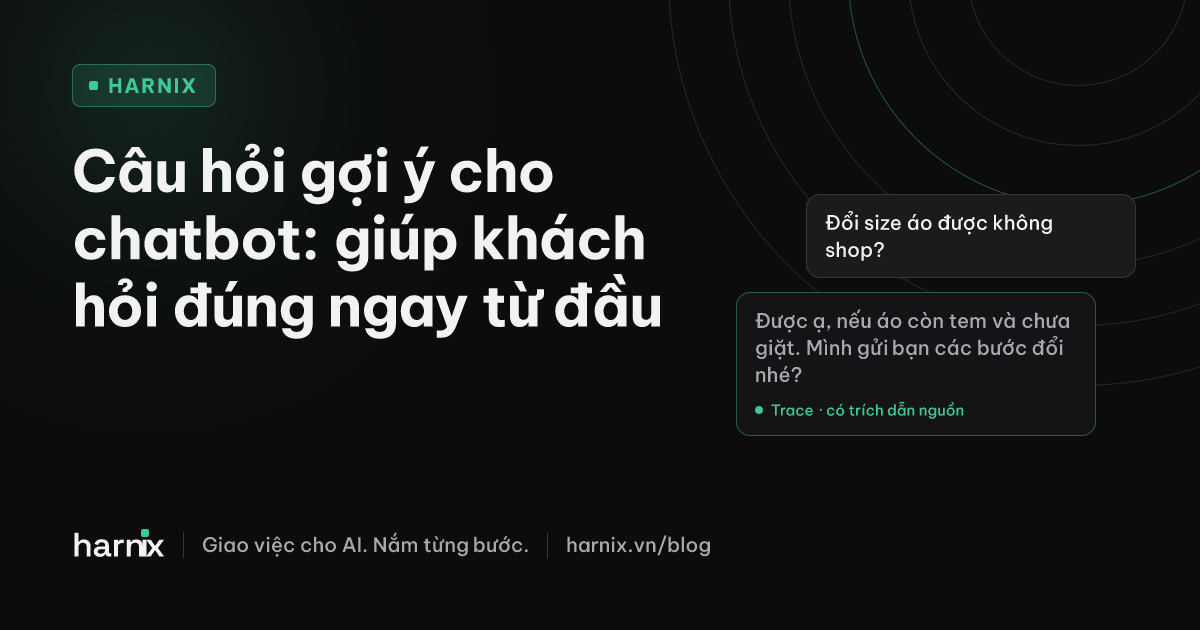
Chatbot suggested questions are a few sample questions shown right under the greeting, so a visitor can ask with one tap instead of working out what to type. They fix a problem that is easy to miss: people open the chat window, have no idea what the bot can do, and either close it or ask exactly the thing it can't answer. This post covers how to pick suggested questions, how to write them, how to tailor them per page and per language, and how to tell whether they work.
Why people open a chatbot and then ask nothing
An empty chat window has a text box and a line like "How can I help you?". To the team that built it, that feels clear enough. To a first-time visitor, it is a hard question: what does this bot know, how far can I go, do I need to type a full sentence?
Nielsen Norman Group calls this the "blank page" problem of open-ended AI tools. In Prompt Suggestions (April 2025), they describe suggestions as critical for helping new users discover and learn a tool: less effort working out how to ask, less typing, and a view of tasks people had not thought of.
For a business chatbot, the result usually shows up in three ways:
- Visitors ask nothing. They open the chat, read the greeting, and close it.
- Visitors ask out of scope. The bot handles orders and policies, and the visitor asks about something it has no documents for.
- Visitors ask too little. They type "shipping?" or "price", the bot has to guess, and the answer drifts.
Suggested questions address all three the same way: they show what the bot is there for, using the questions customers actually ask.
Where chatbot suggested questions should come from
Don't invent suggested questions from scratch. Pull them from what customers have already asked:
- Repeat questions to your support team. Ask support for the five questions they answer most each week. Those are usually the best candidates.
- Past chatbot conversations. If the bot has been live for a while, read the opening messages and group them by topic.
- The page the visitor is on. Someone on the pricing page asks different things from someone on the setup guide.
- Questions the bot already answers well. This one is a requirement for every candidate from the three sources above.
The fourth point is the one teams skip. A suggested question is your own promise: "ask this." If a visitor taps it and gets a wrong or vague answer, you lose trust at the easiest moment to keep it. Before you publish a suggestion, run it yourself and check that the bot found the right documents. If the answer is weak, fix the documents first; Chatbot giving wrong answers: how to find and fix weak spots walks through the steps.
How to write suggested questions: 5 rules
1. Specific beats generic. NN/g recommends concrete suggestions so users can quickly judge whether one is relevant to them; vague, generic prompts are rarely effective (Designing Use-Case Prompt Suggestions, June 2025). "Learn about our products" tells the visitor nothing. "Which plan fits a store with 3 staff?" does.
2. Write in the customer's voice. A suggestion is the message the customer will send, so phrase it the way they would say it, not like a menu label. "How much is shipping to Chicago?" reads better than "Shipping policy".
3. One job per question. Four suggestions that all ask about price waste three slots. Pick questions that show the bot's range: one about products, one about orders, one about policies, one about technical help.
4. Short enough for a button. Long questions get cut off on phones. Aim for roughly 6 to 10 words.
5. Few and hand-picked. New users need a small, curated set of examples, placed near the input and sendable with one tap, according to the same NN/g article. Three or four questions are usually enough.
Here is how a few rewrites compare:
| Weak | Better | Why |
|---|---|---|
| Product information | Will this unit work in a 20 m² room? | Specific, shows the kind of question the bot can answer |
| Support | I forgot my password. How do I reset it? | In the customer's voice, tied to a real need |
| Our store's return and warranty policy | How long do I have to return an item? | Fits on a button without being cut off |
| What can you do? | Where is my order? | Shows a real task instead of leaving the visitor to guess |
Tailor suggested questions per page and per language
One shared list for the whole app is a good start. Once the chatbot lives on many pages, context-aware suggestions fit better. NN/g also recommends personalizing where you can, based on conversation history, browsing behavior or the user's level of experience.
Example for an app that sells store management software:
| Page | Suggested questions |
|---|---|
| Pricing | Which plan fits a store with 3 staff? / Is there a free trial? |
| Setup guide | How do I connect a receipt printer? / Can I import products from Excel? |
| Account | How do I change my login email? / Where do I download invoices? |
If your app has more than one language, suggestions should follow the page language. A visitor reading the English page who sees Vietnamese buttons will assume the bot only speaks Vietnamese, even when it answers in both. Write each set separately rather than machine-translating it: people in different markets ask about pricing or invoices in different ways.
How to tell whether suggested questions work
Suggested questions need regular review. Four signals are worth tracking:
- Which questions get tapped. A suggestion nobody taps after a few weeks should be replaced. Watch for position bias: the first button often gets more taps just for being first. NN/g recommends randomizing display order so the numbers are not skewed by position.
- Whether answers to suggested questions are rated helpful. If visitors tap a suggestion and then rate the answer as not helpful, fix the answer before you think about replacing the question.
- Whether people keep talking. A good suggestion opens a conversation. If most visitors tap and leave right away, the answer may have been enough, or it may have been wrong. Read a few conversations to find out.
- Whether real questions are shifting. Over time, what customers type on their own changes with seasons and new products. Suggestions should change with it.
Every time you update documents, prices or policies, re-run your suggested questions. They are the most-asked questions you have, so a mistake there reaches the most people.
Suggested questions in Harnix
Harnix is an AI agent operations platform: you embed a chatbot or agent into an existing app, and every answer is recorded as a Run with the documents it read, the tools it called and its token cost. The following features are in the changelog:
- Suggested questions per agent (Nov 6, 2026): set up to 4 questions, shown as buttons under the greeting when a visitor starts a new conversation.
- Per-page suggestions (Nov 7, 2026): the widget accepts its own suggestion list on each page, so the pricing page and the setup guide can show different questions.
- Per-language suggestions (Nov 10, 2026): set lists for Default, Vietnamese and English; the widget picks the one that matches the page language.
- Answer ratings (Nov 10, 2026): visitors mark an answer helpful or not helpful, with an optional short comment; a dedicated page in the console collects the ratings for review.
- Run traces and the Playground: see which documents the bot found for a suggested question, and test that question before you turn it on for customers.
If you are still deciding how to add a chatbot to your app, Adding an agent to your app: widget or chat API compares the two approaches.
Frequently asked questions
How many suggested questions should a chatbot have? Three or four is enough for most business chatbots. More takes up space on phones and makes the choice harder.
Can suggested questions replace the greeting? No. The greeting says who the bot is and what it helps with; suggested questions give concrete examples. They work together.
Should AI generate the suggested questions? For opening suggestions, pick them by hand. NN/g recommends manual curation to keep quality and brand voice consistent. You also need to confirm the bot answers each one well before it goes live.
How often should I change suggested questions? Review them monthly, and right after any change to pricing, policies or products.
You can read how to configure agents and the widget in the Harnix docs, or talk to us at harnix.vn about helping visitors ask the right first question in your app's chatbot.