MCP (Model Context Protocol) is an open protocol that defines how AI applications connect to outside tools, data and software. Instead of building a separate integration for every pairing of chatbot and system, you wrap your system as an MCP server once, and any AI application that supports MCP can use it. This guide explains how MCP works, when to use it instead of a direct API integration or RAG, and what to settle before you let an AI agent touch your real systems.
What is MCP? A simple example
Picture an online store with its own order management software. The owner wants the chatbot on the website to answer "where is my order?" by looking up the order status.
Without a shared standard, the engineering team writes code that connects the order software to whichever chatbot platform they use today. If they switch platforms next year, or want an internal AI assistant to look up orders too, they write that integration again.
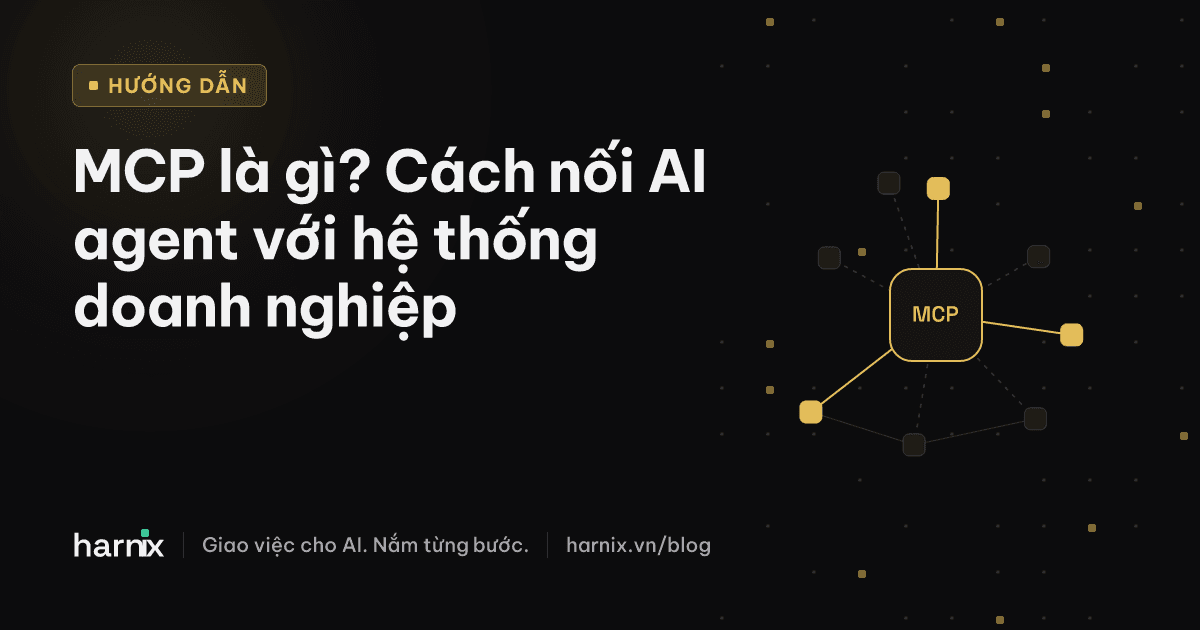
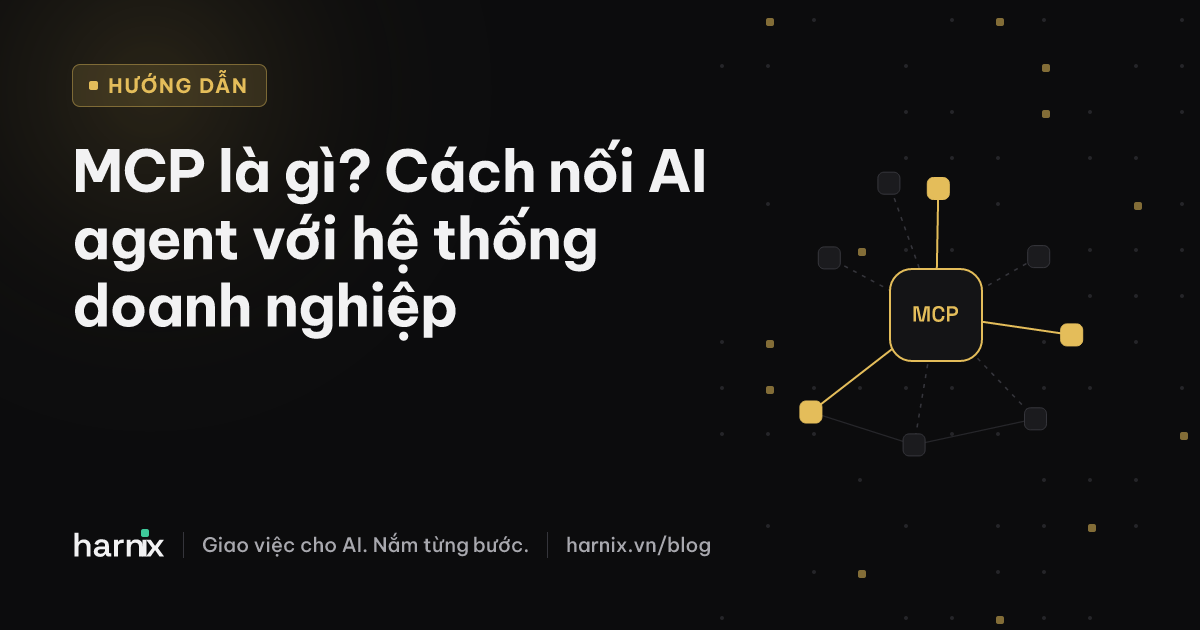
With MCP, the team builds one MCP server for the order software. It declares a tool such as "look up an order by order number", with a description and the inputs it needs. Any AI application that supports MCP can connect to that server, read its list of tools and call them when needed. Think of it as a standard power socket: any device built to the standard plugs in and works.
Anthropic released MCP as open source in November 2024. On December 9, 2025, the Linux Foundation announced the Agentic AI Foundation, and Anthropic contributed MCP to it so the protocol could be developed under neutral governance. According to the Linux Foundation's announcement, more than 10,000 MCP servers had been published by then, and the protocol was in use on platforms including Claude, Cursor, Microsoft Copilot, Gemini, VS Code and ChatGPT.
How MCP works: host, client and server
The official MCP architecture overview describes three roles:
- MCP host: the AI application people interact with, such as the chatbot in your app or an AI assistant.
- MCP client: a component inside the host that keeps a dedicated connection to one MCP server. A host connected to three servers runs three clients.
- MCP server: a program that provides tools and data, such as a server for your order software, your document store or your CRM.
A server can run on the same machine as the host (over stdio, common for desktop tools) or remotely over Streamable HTTP. For remote servers, the MCP documentation recommends OAuth for obtaining access tokens. Remote servers are the setup most businesses meet when they connect a chatbot to software they already run.
One agent turn that uses MCP usually goes through four steps:
- Connect and discover. The client asks the server which protocol versions and features it supports.
- List the tools. The server returns each tool's name, description and inputs. The model reads these descriptions to decide which tool fits which request.
- Call a tool. When a customer asks something that needs a tool, the model picks the tool and fills in the inputs, and the host sends the call to the right server.
- Return the result. The server sends data back, and the model uses it to write the answer.
Step 2 gets less attention than it deserves. When tool descriptions are vague, the model calls the wrong tool, or skips a tool it should have used.
The three things an MCP server provides
Under the specification, an MCP server can expose three main building blocks:
| Building block | What it is | Business example |
|---|---|---|
| Tool | A function the AI calls to do something | Look up an order, open a support ticket, book an appointment |
| Resource | Data that gives the AI context | A file's contents, a customer record, a database schema |
| Prompt | A reusable instruction template | A "summarize this complaint in 3 points" template, worked examples of using a tool |
A server can also ask the AI application to collect more information from the user, or to get confirmation before an action. The specification calls this elicitation.
One design principle in the MCP architecture specification is worth knowing: servers should not be able to read the whole conversation or "see into" other servers. The conversation history stays with the host, and each server receives only the context it needs for its job.
MCP, direct API integration or RAG: which one when?
These three get mixed up because each one helps a chatbot "know" more. They solve different problems:
| Approach | What it does | Good fit when | Watch out for |
|---|---|---|---|
| RAG | Finds relevant document passages before answering | The answer lives in documents: policies, guides, price lists | Read-only; it never changes anything in your systems |
| Direct API integration | Custom code linking one AI application to one system | You have one AI application, one system, and few changes | Switching AI platforms or adding systems means rewriting |
| MCP | Wraps a system as a server that follows a shared standard | You need live data (orders, stock) or want the AI to take actions; several AI applications share it | Needs careful design of permissions, approvals and logging |
They work well together. A typical customer support chatbot uses RAG to answer questions about the return policy, and an MCP tool to look up that particular customer's order. If you are starting with the documents side, read What is RAG? How chatbots answer from your business documents.
Checklist before connecting an AI agent to real systems through MCP
Getting the connection working is the first step. Once an agent reads customer data and takes real actions, these points decide whether you can comfortably let it run:
- Start with read-only tools. Let the agent look things up first (orders, open slots, stock). Add write tools (create, edit, cancel) only after you have reviewed plenty of real conversations.
- Enable as few tools as possible per agent. One MCP server can expose dozens of tools. A customer support agent does not need a tool that deletes data. Fewer tools also help the model choose correctly.
- Write tool descriptions as if briefing a new hire. Say what the tool does, when to use it, when not to, and which inputs are required.
- Require human approval for write actions. Refunds, cancellations and emails to customers should need a person's confirmation, at least at the start.
- Connect with a narrowly scoped account. Never connect with an admin account. The account behind the MCP server should have only the permissions its tools need.
- Have tools return as little data as possible. An order lookup tool only needs to return status and delivery date, not the address and phone number when the question does not need them.
- Log every tool call. Which tool ran, with which inputs, what it returned, and who approved it. When a customer complains, this is the first thing you will want to open.
- Vet third-party MCP servers before using them. Who builds and maintains the server, what permissions it asks for, and where your data goes.
We cover these control layers in more depth in AI agent permissions: approvals, limits and a stop button.
Frequently asked questions
Is MCP an API? MCP is a protocol that standardizes how AI applications discover and call tools. Inside, an MCP server usually still calls your system's existing API. MCP is a shared layer on top of APIs, so many AI applications can use your system the same way.
Does a small business need to build its own MCP server? Not always. Many popular software products already ship an MCP server. You only need your own when you want AI to use a system of yours, such as an in-house sales tool. The project provides SDKs in several programming languages for this.
Is MCP safe to use? The protocol includes principles such as isolation between servers and a recommendation to use OAuth for remote servers. How safe it is in practice depends on how you grant permissions, choose tools, add approval steps and keep logs, as in the checklist above.
Can MCP replace RAG? They complement each other. RAG suits questions answered from documents. MCP suits cases that need live data or actions inside your systems.
Where to start
In Harnix, a connector is a remote MCP server: you add it in the console, turn individual tools on or off for each agent, and require approval before the agent runs a write action. See the Harnix connector docs, or get in touch at harnix.vn.