A chatbot that asks clarifying questions stops to ask for the one missing detail instead of guessing what the customer meant, then answers or carries on with the task. It should ask when a question has several readings that lead to different answers, or when it is about to take a real action and is missing information. It should not ask when the answer is already in the message or the chat history, or when the customer cannot possibly know it. This post gives you a decision table, five rules for writing good clarifying questions, and a sample block of instructions for your system prompt.
Why chatbots guess instead of asking
Customers rarely put everything in their first message. They write "move my appointment", "which plan fits me", "why hasn't my order arrived". Each one is missing at least one detail: moved to when, for how many people, which order.
Language models are trained to always produce an answer, so when information is missing they tend to fill the gap with the most plausible assumption. For a lookup question, a wrong guess just makes the answer miss the point. For an agent that can take actions, a wrong guess can mean moving the wrong appointment or cancelling the wrong order.
The opposite failure is just as annoying: a bot that fires three or four questions before it answers anything, asks for something the customer just said, or wants an internal code the customer will never know. The goal is to ask rarely, and at the right moment.
When a chatbot should ask clarifying questions: a decision table
The deciding question is: if the bot guesses wrong, what happens, and can the customer actually answer?
| Situation | What to do |
|---|---|
| The needed information is already in the message or chat history | Don't ask. Use it |
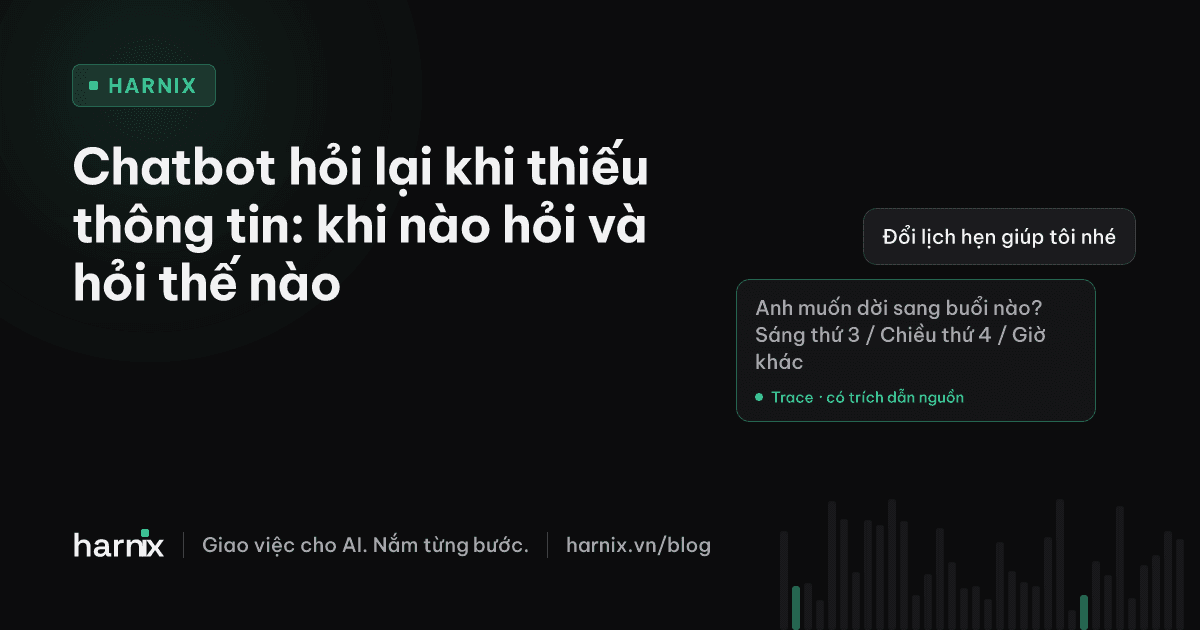
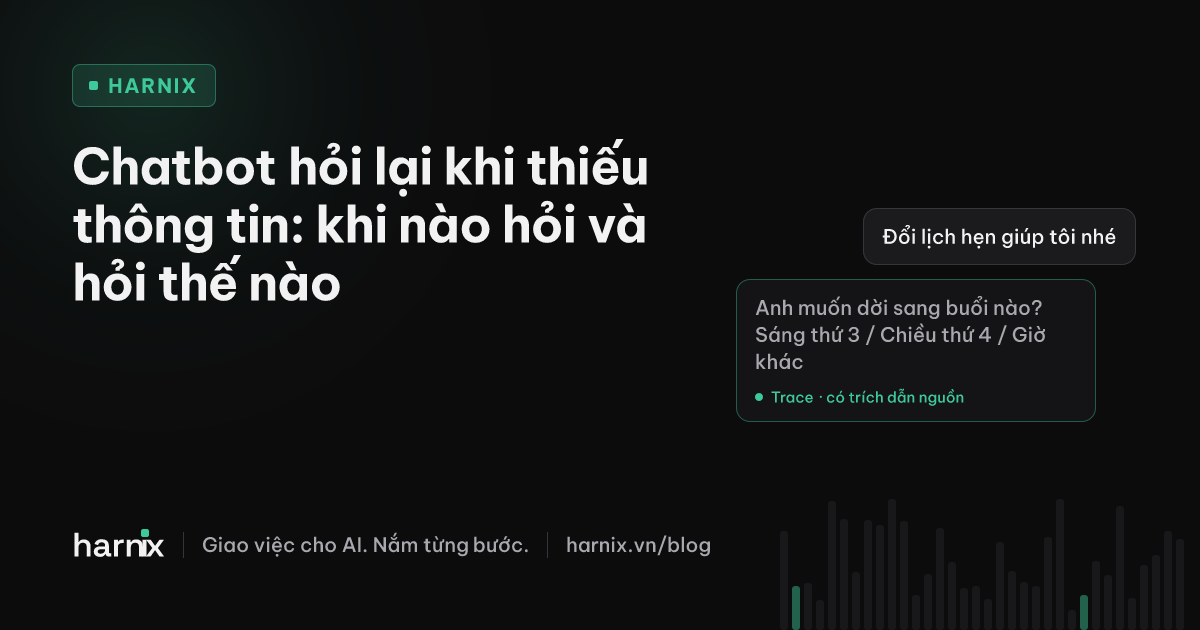
| The question has two or three readings, each leading to a very different answer | Ask, with the options written out |
| About to take a write action (book, change an order, submit a request) with details missing | Always ask first |
| A small detail is missing, there is a common reading, and a wrong guess does no harm | Answer using the common reading, state the assumption, invite a correction |
| The information is something the customer can't know (internal codes, system status) | Don't ask the customer. Look it up with a tool or hand off to a person |
The first row sounds obvious but is often skipped. Microsoft's conversation design guidance for Copilot Studio (learn.microsoft.com) uses the example of a user typing "unblock card": the bot asks which card type when the user hasn't said, but if the user wrote "unblock my credit card", it goes straight to the task without asking.
5 rules for clarifying questions people can answer
1. Only ask what changes the answer. Before asking, the bot should check: would knowing this change my answer? If not, don't ask. A Carnegie Mellon University team (arXiv, April 2026) found that two properties make a clarifying question useful: whether the information actually affects the outcome, and whether the user can realistically provide it. The model they trained on those two criteria matched GPT-5's resolution rate while asking 41% fewer questions. The study covers software engineering tasks, but both criteria carry over well to customer-facing chatbots.
2. Ask what the customer can answer. The customer knows they want Wednesday afternoon. They don't know your branch code or the plan's name in your system. If you need those, have the bot look them up with a tool, or ask in the customer's terms ("which district is your nearest branch in?").
3. Offer options, plus an "Other" choice. Multiple-choice questions let the customer answer with one tap and give the bot an unambiguous reply. Always leave a way out for customers who want something not on the list.
4. Batch questions into one turn. If two details are genuinely missing, ask both in the same turn instead of one per turn. Three or four is a sensible ceiling; beyond that, switch to a form or hand off to a person.
5. Give a short reason, then continue as soon as you get the answer. A line like "To move the right appointment, I need to know..." tells the customer why they're being asked. Once they answer, the bot continues straight away, without restating the whole request or asking for confirmation again unless it's needed.
A sample instruction block for your system prompt
You can drop the block below into the rules section of your system prompt and adapt it to your business. Our post on how to write a system prompt for a business chatbot covers the full structure.
When a customer's request is missing information:
- First, look for it in the current message and the chat history. If it's there, don't ask again.
- Only ask when different readings lead to different answers, or before booking, changing an order or submitting a request.
- Ask at most 2 questions per turn, each with 2–4 short options and an "Other" option.
- Never ask for internal codes or anything the customer can't know. Look it up with a tool, or offer to hand off to a person.
- If the missing detail doesn't matter much, answer using the most common reading and state that assumption.
Check whether your bot asks at the right time
Writing the rules is only half the job. Each week, review a sample of conversations that include a clarifying question and answer three questions:
- Did the bot ask for something the customer had already said? If so, the "check the history first" rule isn't being followed, or the chat history sent to the model is too short.
- Did customers leave right after the question? The question may be too long, the options may not fit what people want, or customers may not know the answer.
- Does the same clarifying question keep coming up? That signals a missing branch in your documents or suggested questions. Microsoft also recommends analysing the messages that trigger a "did you mean" prompt to find where topics overlap. Our post on chatbot suggested questions shows how to surface those branches up front.
If the bot still guesses wrong instead of asking, Chatbot giving wrong answers: how to find and fix weak spots walks through grouping errors by topic and verifying fixes.
Asking users in Harnix
Harnix is an AI agent operations platform: you embed a chatbot or agent in your existing app, and every answer is recorded as a Run with the documents it read, the tools it called and its token cost. According to the changelog, asking users has been available since October 2026:
- Built-in ask-user tool (October 10, 2026). The agent can ask 1–4 multiple-choice questions, pause the run and wait up to 10 minutes for a reply. If the customer types an answer instead of tapping an option, the waiting run still resumes.
- Question cards in the widget (October 11, 2026). Customers see single- or multi-select questions, an "Other" field for free text, and a countdown.
- Toggle in the console. The tool sits in the built-in tools section and is switched on or off per agent. The Runs list has a "waiting for user" filter, and the trace records the step where the agent asked and waited.
- Try it in the Playground first (October 19, 2026). You can answer the agent's questions in the Playground to test them before turning the feature on for customers.
Clarifying questions are different from approvals for connector write actions (October 9, 2026): a clarifying question collects missing information, while an approval asks the customer to confirm before the agent performs a specific action. Agents that do real work usually need both.
Frequently asked questions
Do clarifying questions annoy customers? They do when the bot asks for something already said or spreads questions over many turns. One turn, ready-made options, and only questions that change the answer usually get a faster reply than correcting a wrong answer would.
Should the bot ask, or guess and state its assumption? It depends on the cost of a wrong guess. For lookup questions, answering with the common reading and stating the assumption is usually enough. For actions like booking or changing an order, always ask first.
How many options should a clarifying question offer? Usually 2–4 short options plus an "Other" field. More than that takes too long to read, and suggests the question is too broad.
You can read how to enable built-in tools for an agent and review traces in the Harnix docs, or talk to us at harnix.vn about getting the chatbot in your app to ask at the right moment.