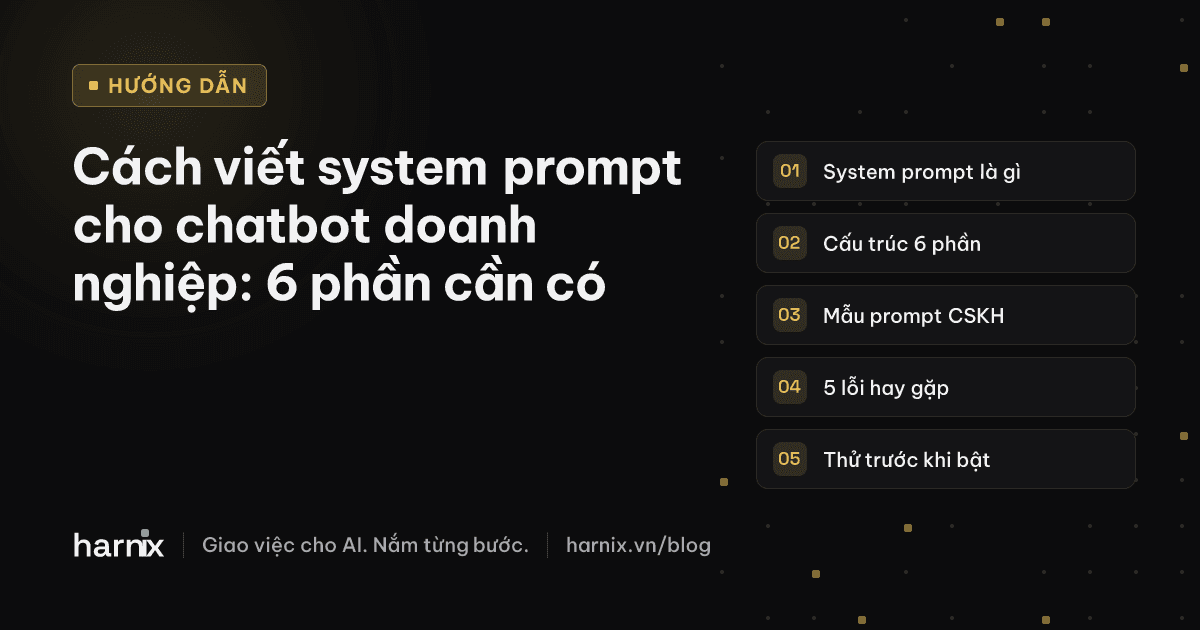
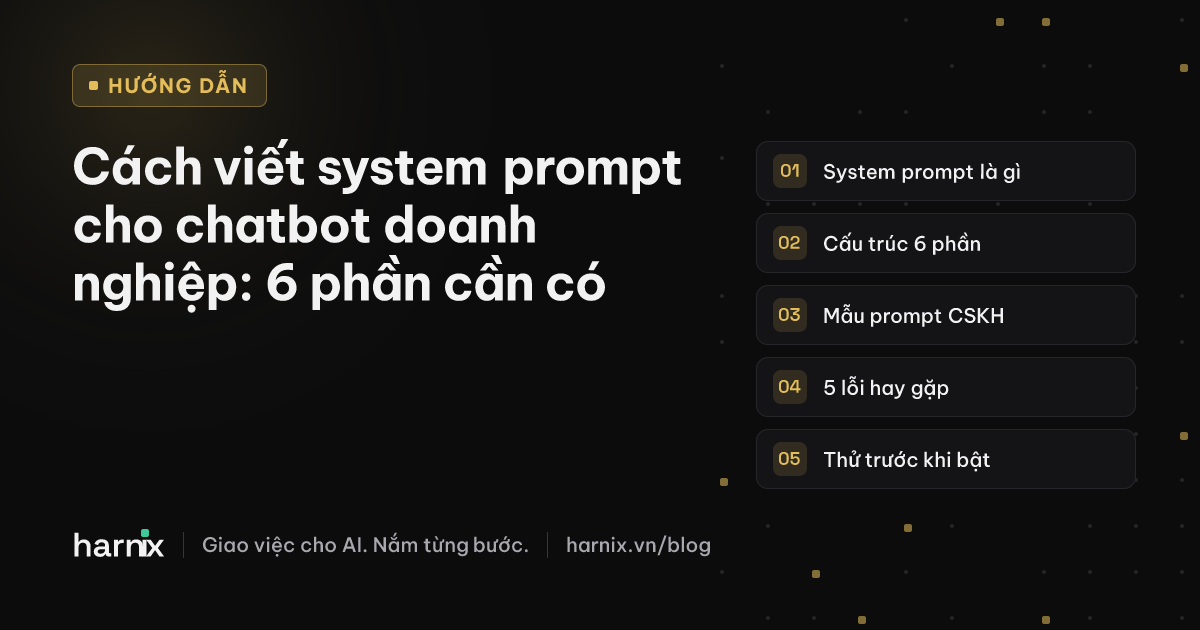
A system prompt is the fixed set of instructions a model reads before every customer message. It decides who the chatbot is, what it may answer, how it sounds, and what it does when it isn't sure. The most reliable way to write a system prompt for a business chatbot is to split it into six clear parts (role, scope, documents and tools, voice, handling uncertainty, examples) and then test it with real customer questions before going live. This guide walks through each part and includes a template you can copy and adapt.
What a system prompt is, and how it differs from customer messages
Every chatbot turn carries two kinds of content. Customer messages change constantly. The system prompt (also called system instructions or a developer message) is written once by you and sent along with every turn.
OpenAI's prompt engineering guide describes developer instructions as the place for your rules and business logic, prioritized ahead of user messages, and compares them to a function definition, with user messages as the arguments passed in. Put simply: the system prompt is the job description, and each customer message is a specific request.
Because it is read on every turn, the system prompt shapes the whole experience. One vague sentence in it can repeat itself across hundreds of off-target answers.
How to structure a system prompt for a business chatbot: 6 parts
OpenAI suggests organizing instructions into sections, usually in this order: identity, instructions, examples, context. For a customer service bot or an in-app assistant, we break that down a little further into six parts:
| Part | Question it answers | One-line example |
|---|---|---|
| 1. Role and goal | Who is the bot, who does it serve, and why? | "You are the shopping assistant for furniture store X. Help customers choose products and check orders." |
| 2. Scope | What may and may not be answered? | "No legal advice. Refund requests go to a staff member." |
| 3. Documents and tools | Where does information come from, and when are tools used? | "For pricing and policy questions, search the knowledge base before answering." |
| 4. Voice and format | Tone, length, presentation? | "Friendly and concise. Four sentences at most." |
| 5. When unsure | What to do when information is missing? | "If the documents don't cover it, say so and share the contact link." |
| 6. Examples | What does a good answer look like? | 3–5 short question-and-answer pairs |
1. Role and goal
Open with one or two sentences that say who the bot is and who it serves. Anthropic's prompting documentation notes that setting a role in the system prompt focuses the model's behavior and tone for your use case, and that even a single sentence makes a difference.
Be specific: "an assistant that helps small shop owners use accounting software Y" beats "a helpful AI assistant."
2. Scope: what to answer, and when to hand off
List the kinds of questions the bot handles, the kinds it doesn't, and what to do with each. Anything that needs a human decision (refunds, complaints, policy exceptions) should be marked as a handoff to staff, with instructions on how to hand off.
3. How to use documents and tools
If the chatbot has a knowledge base (RAG) or tools such as order lookup, say when to use which. For example: "For questions about price, shipping, or returns, always search the documents and answer only from what you find." If you're not sure how RAG works, see What is RAG? How chatbots answer from your business documents.
This part should describe rules, not hold data. Price lists, promotions, and policies that change often belong in your documents, so an update happens in one place.
4. Voice and format
Settle how the bot addresses people, how long answers should be, and how they are formatted. Anthropic recommends telling the model what to do rather than only what not to do: instead of "do not use markdown," say that responses should be smoothly flowing prose paragraphs. If your customers write in more than one language, state which language the bot should reply in.
5. When the bot isn't sure
This is the part most often skipped, and it is where many made-up answers start. Spell out three situations: the documents don't have the information, the question is ambiguous, and the request is out of scope. Give the bot a concrete action for each: say the information isn't available, ask one clarifying question, or share a contact channel.
Anthropic also recommends explaining the reason behind a rule, because the model can generalize from the explanation. "Don't guess prices, because they change with each promotion and quoting the wrong one means we have to cover the difference" works better than a bare "NEVER GUESS PRICES."
6. Examples
According to Anthropic, examples are one of the most reliable ways to steer an answer's format, tone, and structure. Its documentation recommends 3–5 examples that are relevant and varied, wrapped in their own tags such as <example>. Pick examples from real questions, including at least one case where the bot should decline or hand off.
A system prompt template for a customer service chatbot
The template below is for a fictional store. Replace the name, scope, and contact channel with your own:
# Role
You are the customer service assistant for Green Home, an online home goods store.
Goal: help customers find products, understand policies, and check order status.

# Scope
- Answer: product information, shipping fees, returns, warranty, order status.
- Do not decide: refunds, complaints, policy exceptions. Acknowledge briefly
  and share the link to contact a staff member.
- Questions unrelated to the store: decline politely and say what you can help with.

# Documents and tools
- Prices, shipping fees, returns, warranty: always search the knowledge base and
  answer only from what you find. Reason: policies change with each campaign,
  and wrong information costs us money.
- Order status: use the order lookup tool when the customer gives an order number.

# Voice
Friendly and polite. Four sentences at most, main point first.
Reply in the language the customer writes in.

# When unsure
- The documents don't cover it: say the information isn't available. Don't guess.
- Key details are missing (for example, no order number): ask exactly one question.

# Examples
<example>
Customer: Can I exchange for a different size?
Assistant: (search the returns policy, then state the conditions and time limit from it)
</example>
<example>
Customer: Refund me right now, please.
Assistant: I've noted your request. Refunds are handled by our staff, so please
reach them through this link for the fastest help.
</example>
Treat the template as a starting point. The parts that matter most are scope and handling uncertainty, because that is where every business is different.
5 common system prompt mistakes
- Pasting every policy into the prompt. A long prompt costs tokens on every turn and is hard to maintain. Information that changes often belongs in the knowledge base.
- Only writing prohibitions. A list of "don'ts" with no "do instead" leaves the bot stuck on borderline cases. Pair each prohibition with an alternative action.
- Conflicting rules. If "always keep answers short" sits next to "explain the policy in full," the model has to pick one. Reread the whole prompt each time you add a rule.
- Treating the system prompt as a security layer. Don't put passwords, API keys, or sensitive data in the prompt. For actions with real consequences (cancelling orders, editing data), use approvals and tool limits at the system level, as we describe in AI agent permissions: approvals, limits and a stop button.
- Editing the prompt without retesting. A line added to fix problem A can break answer B. Rerun your test questions after every change.
How to test a system prompt before going live
Anthropic suggests a simple check: show the prompt to a colleague with little context and ask them to follow it. If they'd be confused, the model will be too. Then test with data:
- Collect 20–30 real questions from chat, email, and phone logs, including typos and abbreviations.
- Add out-of-scope and adversarial questions, such as requests to ignore the instructions or unrelated small talk.
- Change one thing at a time, then rerun the full question set to see the effect.
- Record the prompt and model version. OpenAI recommends pinning production apps to a specific model snapshot and building evals to track quality as you change prompts or upgrade models.
- Look at what the bot did, not just its final answer. When an answer is wrong, you need to know which documents it read and which tools it called. Chatbot giving wrong answers: how to find and fix weak spots goes deeper into this step.
Frequently asked questions
How long should a system prompt be? There's no fixed number. Long enough to cover the six parts above; scope and examples are usually the longest. If the prompt is long because it holds product data, move that data into the knowledge base.
Should I write the system prompt in English or in my customers' language? Popular models handle either. If most customers write in one language, writing the examples in that language helps the bot keep the right tone and forms of address.
Can customers see the system prompt? They might, if they deliberately try to coax it out. So don't put secrets in the prompt, and treat it as behavior guidance rather than a place to store data.
How often should I update the system prompt? When one group of questions keeps getting wrong answers, when you expand the bot's scope, or when you change models. Rerun your test questions after each update.
Where to start
In Harnix, you can start from a ready-made assistant template (prompt, skills, tools, and model included), clone it, adapt it to your business, and test it with real questions in the Playground before turning it on for customers. See the guides in the Harnix docs, or get in touch through harnix.vn.