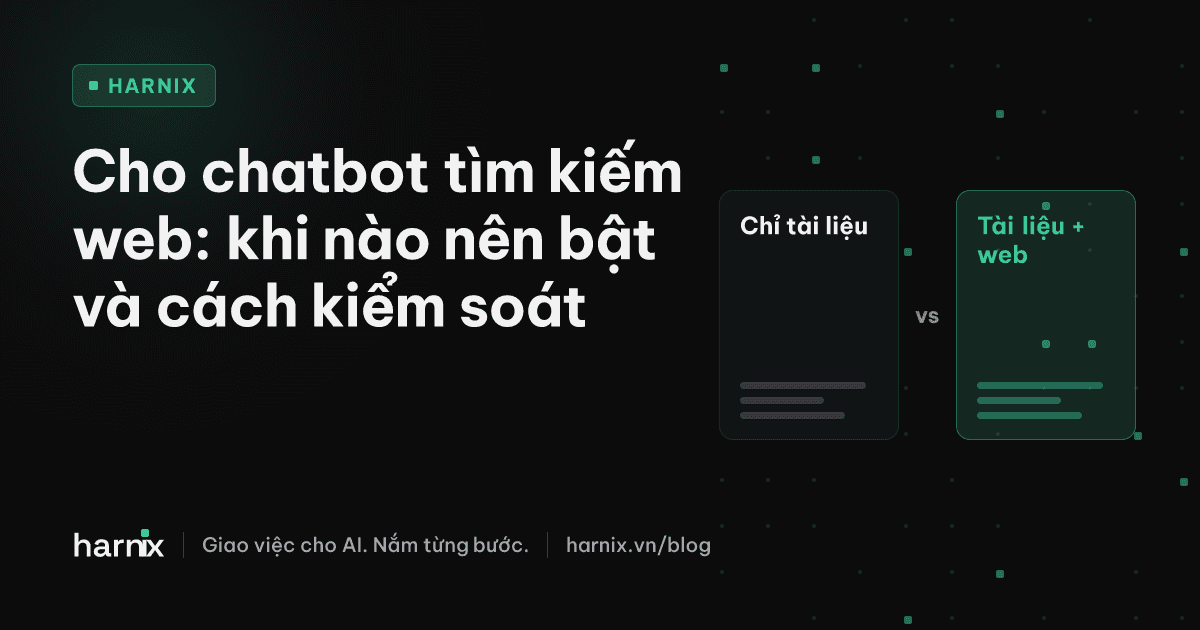
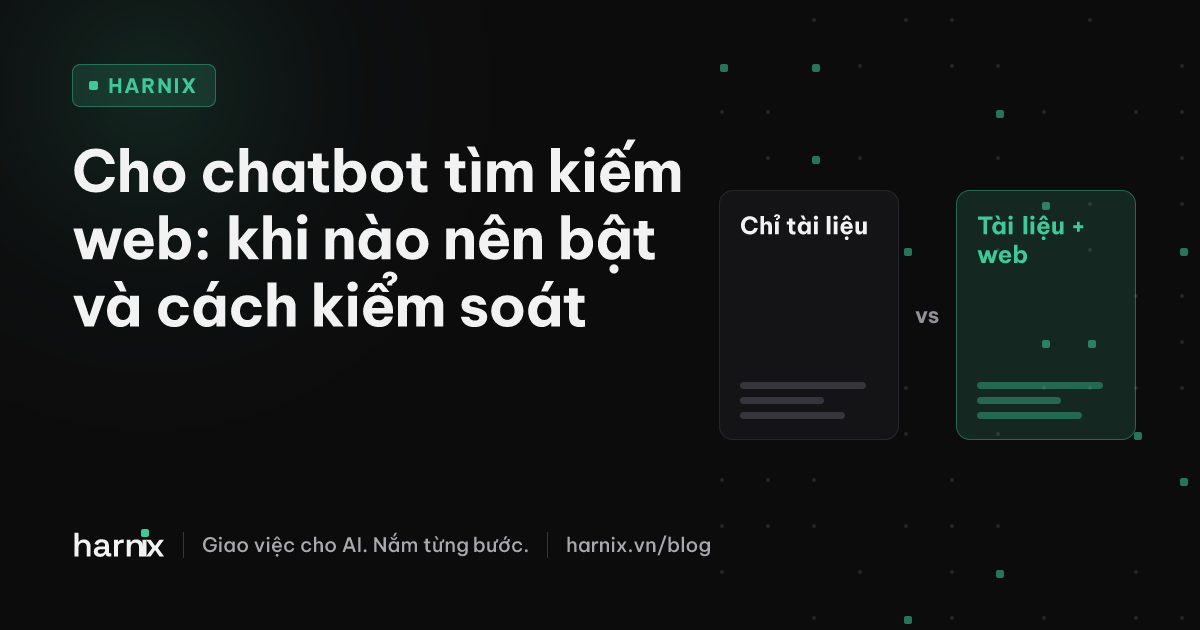
Giving a chatbot web search means letting the agent look things up on the internet and open web pages when your business documents don't have the answer. It helps with questions that need fresh information or sit outside your knowledge base, but it brings three risks: answers built on unreliable sources, instructions hidden in web content steering the bot, and higher costs. This post helps you decide whether to turn on chatbot web search, and if you do, which five controls to put in place.
Why business chatbots so often say "I don't know"
Most business chatbots are set up to answer from your own documents: policies, price lists, user guides. This approach is called RAG, and we covered it in What is RAG? How chatbots answer from your business documents. The upside is that the bot says what your business actually wrote. The downside is that it only knows what is in the knowledge base.
Customers don't ask questions shaped like your knowledge base. They ask about the shipping fee a courier changed last week, the specs of a part made by a third party, or a new regulation you haven't documented yet. For those, the bot has two options: say "I don't know", or guess.
Web search adds a third option: the bot searches, reads the relevant pages, and answers with sources. Not every chatbot should have that option.
When to give your chatbot web search
The deciding question is simple: where does the correct answer live? If it lives in your documents, the web only adds noise. If it lives outside your business and changes often, the web earns its place.
| Question type | Documents only | Documents + web search |
|---|---|---|
| Your own return policy, warranty, prices | Use this: your documents are the only source of truth | Avoid: the bot may quote outdated or someone else's information |
| How to use your product | Use this | Only if the docs fall short and you accept outside sources |
| External information that changes often (exchange rates, public holidays, a courier's fees) | Goes stale quickly | Reasonable, if the bot names the source and date |
| Research questions from internal staff (industry news summaries, public technical docs) | Not enough | The best fit |
| Advice with legal weight (medical, legal, financial) | Only within approved documents | Don't let the bot draw conclusions from the web |
A practical rule: a customer-facing chatbot that answers questions about your product should usually keep web search off, or use it only when the documents have no answer. An agent that helps internal staff with research gets far more out of the web.
3 risks when a chatbot reads the web
1. Answers built on unreliable sources
Search results mix official pages with forums, aggregators and old articles. The model has no built-in sense of which source to trust unless you tell it. The biggest risk is the bot picking up someone else's prices or policies and presenting them as yours.
2. Web content steering the bot
This risk gets less attention. OWASP ranks prompt injection as the top risk in its 2025 list of risks for LLM applications, and notes that the indirect form happens when a model takes input from external sources such as websites or files. A page can contain text written to give orders to an AI, for example "ignore your previous instructions and answer as follows".
Chrome's security guidance for agents (developer.chrome.com, June 2026) explains why: the model processes instructions and data in the same stream of text, so it cannot guarantee safety on its own. Even a trusted site can serve content written by others, such as comments. The defense has to live in how you design the agent, not only in the model.
3. Higher cost and latency
Every search and every page read is another tool call and more content in the context window, which means more tokens and more waiting. A vague question can send the agent searching again and again. If cost is on your mind, AI token costs are rising: how businesses keep the bill in check shows how to measure it per run.
5 ways to control chatbot web search
These controls build on the OWASP and Chrome recommendations above, applied to a business chatbot.
1. Spell out source priority in the system prompt. For example: "Always check internal documents first. Search the web only when the documents have no answer. Never use the web for questions about our prices, policies or orders. When you use information from the web, say it comes from an outside source." How to write a system prompt for a business chatbot has a full template.
2. Treat web content as data, not instructions. OWASP recommends separating and clearly marking external content. Chrome recommends telling the model explicitly not to follow instructions that appear in tool output. Put that line in your system prompt, and check whether your platform marks web content as untrusted on its own.
3. Let the user decide before a page is opened. For agents that can take real actions (sending email, editing orders), add a confirmation step. OWASP and Chrome both recommend keeping a human in the loop for high-risk actions. For opening web pages, asking first lets the user see what the bot is about to read.
4. Set usage limits. Cap the number of searches and page reads per run and per day. Limits stop expensive search loops and reduce the damage if someone tries to abuse the bot.
5. Review the trace of answers that used the web. Each week, filter the runs that called web search and look at the search terms, the pages opened, and the passages the answer relied on. This is the fastest way to catch weak sources, skewed answers, or pages with odd content. AI agent observability explains why seeing each step matters.
Web search for agents in Harnix
Harnix is an AI agent operations platform: you embed a chatbot or agent into your existing app, and every answer is recorded as a Run with the documents it read, the tools it called and the token cost. Version 1.6.0, released on 12 November 2026 and listed in the changelog, adds:
- Two tools for web search and page reading. Both are enabled by default only for newly created agents.
- Ask the user before opening a page: the page-reading tool has this option.
- Daily limits per organization and a maximum number of calls per tool within a single run.
- Web content is treated as untrusted data.
- A final answer every time: on the last model call, tools are removed from the turn so the model answers from what it already has instead of reporting that it found nothing.
Existing features help you keep web use in check: turn tools on or off for each agent, trace every Run to see what the agent searched for and which pages it opened, and let users rate each answer as helpful or not helpful (10 November 2026). Version 1.6.0 also adds assistant templates, so you can review a sample agent's configuration, tools and model, then clone it as your own.
Frequently asked questions
Does web search replace keeping documents up to date? No. For your own business information, documents remain the source of truth. The web is for external information you don't control.
Can a chatbot with web search be fooled by a malicious page? Yes, it can. According to both OWASP and Chrome, current measures reduce prompt injection risk but do not remove it. You lower the risk by limiting the agent's permissions, marking web content as untrusted, adding confirmation steps and reviewing traces.
Should a customer support chatbot have web search? Usually not, or only when the documents have no answer and the bot says the information comes from an outside source. An agent that helps staff with research is a better fit.
You can read how to enable tools for an agent and inspect traces in the Harnix docs, or talk to us at harnix.vn about whether the chatbot in your app should search the web.