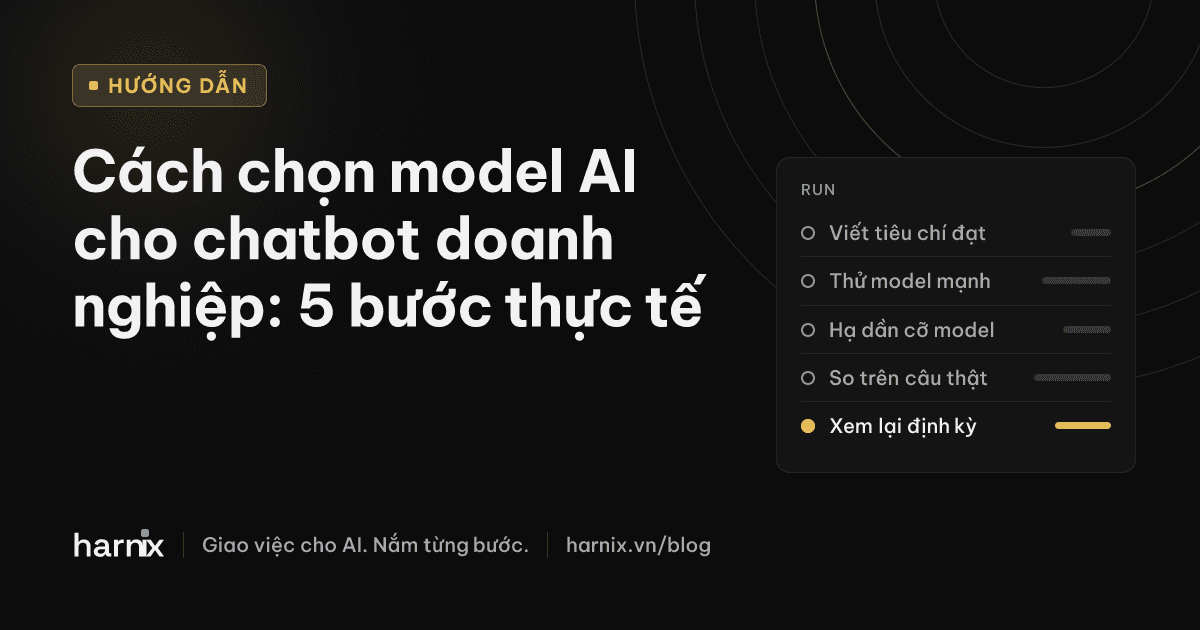
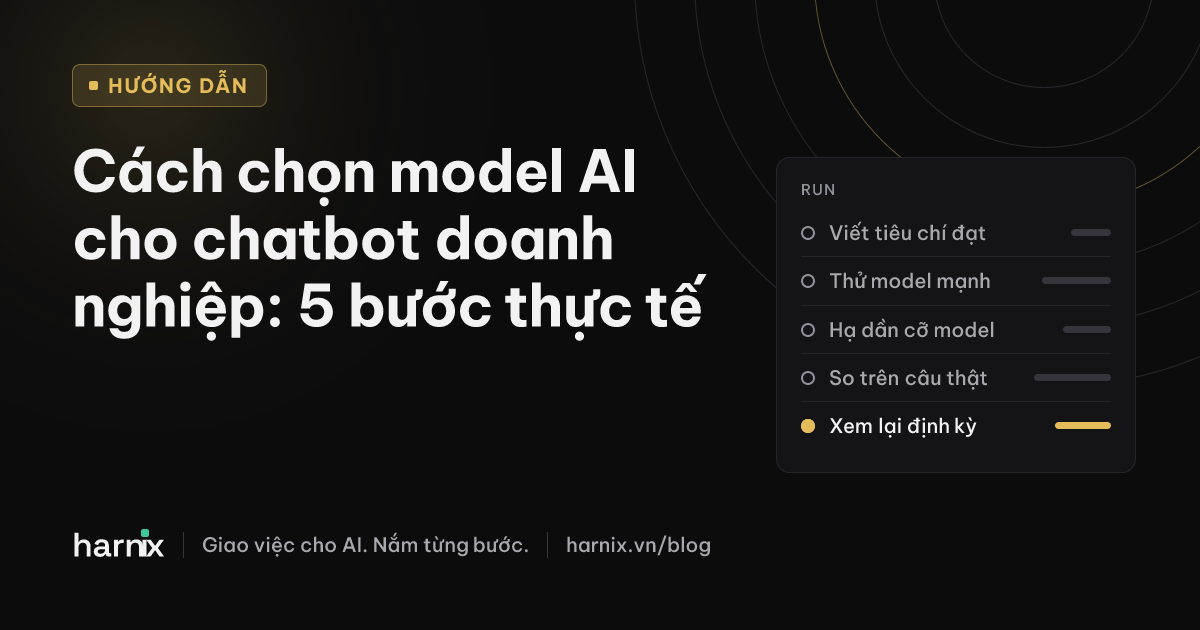
To choose an AI model for a business chatbot, write down what "good enough" means first, test with a strong model to confirm the job can be done at all, then step down to smaller, cheaper models until you find the smallest one that still passes on your customers' real questions. A public leaderboard can't answer this for you, because your chatbot answers questions about your products, in the way your customers actually write. This guide walks through five steps, plus a table of what to check beyond answer quality.
Why a leaderboard is the wrong place to start
New models arrive every month, each with new benchmark scores. Those scores measure general ability on shared test sets. They don't tell you whether your bot gets your return policy right. The top-ranked model may be too expensive and too slow for a sales chat window, while the cheapest one may misread short, informal questions.
Model providers say much the same. Anthropic's guide to choosing a model calls a good evaluation set the most important step in the process. OpenAI's model selection guide frames its recommendations as a starting point and suggests comparing results on the same inputs. In other words, your own data decides, not the leaderboard.
5 steps to choose an AI model for your chatbot
1. Define "good enough" before you compare models
Before testing anything, write down what the chatbot must do to pass. For a customer support chatbot, that might be:
- Answer the most common questions correctly from your documents, with a cited source.
- Say "I don't have that information" instead of making something up.
- Handle informal writing, abbreviations, typos and mixed languages.
- Start replying fast enough that customers don't leave.
- Keep the cost per conversation within budget.
Google's web.dev article on choosing a small model starts in the same place: define success criteria with a set of ideal inputs and outputs, then prototype. If you don't have a test set yet, our post How to test an AI chatbot before launch includes a sample table of seven case types to cover.
2. Test with a strong model to see if the job is doable
The first round answers one question: with the strongest model you can access, does the chatbot meet your criteria? If even a strong model gets answers wrong, the problem is usually in your documents or system prompt, not the model. Switching models at this point only costs time.
OpenAI and Anthropic both describe starting with a capable model and optimizing from there. Web.dev calls it "prototype big, deploy small." Microsoft's architecture guidance also notes that in the prototype phase you might choose a frontier model to move faster, and revisit later.
When a strong model still answers badly, check two things first: the documents you give the chatbot and the system prompt.
3. Step down to smaller models and keep the smallest one that passes
Once you know the job is doable, run the same questions through smaller, cheaper, faster models. Web.dev's goal is to pick the smallest model that gives an acceptable answer. OpenAI puts it similarly: keep the lightest setting that meets your quality bar.
Why bother: a business chatbot handles thousands of conversations a month. A smaller model that passes usually replies faster and costs less per turn, and that difference adds up with volume. Our post AI token costs are rising explains how to measure cost per run.
Some models also let you adjust reasoning effort. Anthropic suggests tuning effort is often a better lever than switching models. Try both before you decide.
4. Compare on real questions: quality, speed and cost together
Compare models on the same questions, with the same documents and the same system prompt. Microsoft recommends running candidate models on the same representative dataset and comparing relevance, coherence, latency and user satisfaction.
A simple comparison table is enough:
| Criterion | How to measure | Notes |
|---|---|---|
| Correct per documents | Share of correct answers on your test set | Have a person grade the high-stakes questions |
| No made-up facts | Answers containing information not in your documents | "Not in the documents" cases expose this fastest |
| Language handling | Informal text, abbreviations, mixed languages | Strong in English does not mean strong in every language |
| Speed | Time to first word and to the full answer | Measure at peak hours, not only when it's quiet |
| Cost | Tokens and money per conversation | Include tool calls and document lookups |
| Tool use | Calls the right tool with the right parameters | Only matters if the chatbot takes actions |
Don't look only at the average accuracy. Two models can score the same but fail in different places, and a model that gets pricing questions wrong is riskier than one that fumbles small talk.
5. Revisit when new models arrive or the job changes
The model you pick today may not be the best choice six months from now. OpenAI recommends revisiting your settings whenever a new model comes out. Microsoft makes the opposite point too: if your current model still meets your requirements, you can keep using it.
In practice: keep the test set from step 1 and keep adding real questions the bot handled poorly. When a notable new model arrives, or when you give the chatbot a new job (reading images, calling tools), rerun the test set before you decide to switch.
Beyond quality: 4 things to check before you commit
- Where the model runs and where data goes. A model called through a provider's API, a model reached through a third-party router, and a model you host yourself all come with different data retention terms. Microsoft lists region availability, compliance and deployment options among its selection filters. Our post What is zero data retention? has a list of questions to ask providers.
- Image input. If customers often send photos, the model has to accept images. See Chatbot image input.
- Provider rate limits. A cheap model that often returns "overloaded" at peak times still leaves customers waiting.
- Room to switch later. If your documents, system prompt and test set don't depend on one model, switching is just a matter of rerunning the tests.
One model or several?
Some systems use more than one model: a small model for simple questions, a larger one for hard ones. Anthropic describes pairing a lower-cost model with a frontier model so that most tokens are billed at the lower rate. Microsoft cautions that model routers are worth it only when request complexity or volume varies enough, and advises against opaque routing unless observability and traceability are guaranteed.
For most small and mid-sized business chatbots, one carefully chosen model is a sensible start. Split into several only when your data shows a clear group of questions that needs a different model, and you can still see which model wrote each answer.
Frequently asked questions
Is the most expensive model always best for a chatbot? No. The most expensive model tells you whether the job can be done, but a smaller one is often enough for most common questions, replies faster and costs less. Decide based on results from your real questions.
How many questions do I need to compare models? Start with a few dozen questions customers ask most, plus hard cases and "not in the documents" cases. Grow the set over time from the questions the bot handles poorly.
Should I host an open-source model on my own server? It's worth considering when data location requirements are strict or chat volume is high. In return you handle servers, updates and quality measurement yourself. Put the self-hosted model through the same test set as the others.
How often should I revisit my model choice? When a notable new model arrives, when you give the chatbot a new job, or when the share of weak answers rises. A new release alone is not a reason to switch.
Where to start
In Harnix, each AI assistant has its own provider and model setting (Ollama, OpenAI and OpenAI-compatible endpoints), you pick the model straight from the provider's list, and every Run records the documents read, the tools called and the tokens used, so you can compare quality and cost across models on the same questions. Read more in the Harnix docs, or get in touch at harnix.vn.